Working with design files often means moving between image formats and CAD formats. With Conholdate.Drive, you can now convert JPG files into DWG format online, helping you bring simple raster drawings, sketches, scanned plans, and image-based layouts into CAD workflows - without installing desktop software.
This feature is useful for architects, engineers, designers, construction teams, and anyone who needs to reuse image-based technical content inside CAD-compatible tools.
When to Convert JPG to DWG
Converting JPG to DWG can be useful in many practical scenarios:
- Turning a scanned drawing or blueprint into a CAD-compatible file.
- Reusing simple technical sketches, floor plans, or layout images.
- Preparing image-based references for further work in CAD software.
- Archiving raster drawings in a more engineering-friendly format.
- Sharing visual drafts with teams that work mainly with DWG files.
Instead of manually recreating the drawing from scratch, Conholdate.Drive lets you process the conversion online and keep your files organized in one place.
Important Note About Conversion Quality
Converting JPG to DWG is different from converting between two native CAD formats. A JPG file is a raster image made of pixels, while DWG is a CAD format designed for vector geometry, layers, entities, and editable drawing objects.
Because of this, JPG to DWG conversion may not yet deliver superior CAD-quality results for every file. The feature works best with simple raster drawings, clear line art, scanned plans, and images with strong contrast. Complex photos, low-resolution scans, noisy images, or detailed shaded graphics may require additional cleanup or manual adjustment after conversion.
We are continuing to improve this conversion direction, but for now it should be treated as a helpful way to start a CAD workflow from raster content rather than a perfect replacement for professional manual drafting.
How to Convert JPG to DWG in Conholdate.Drive
Follow these simple steps to convert your image into CAD format:
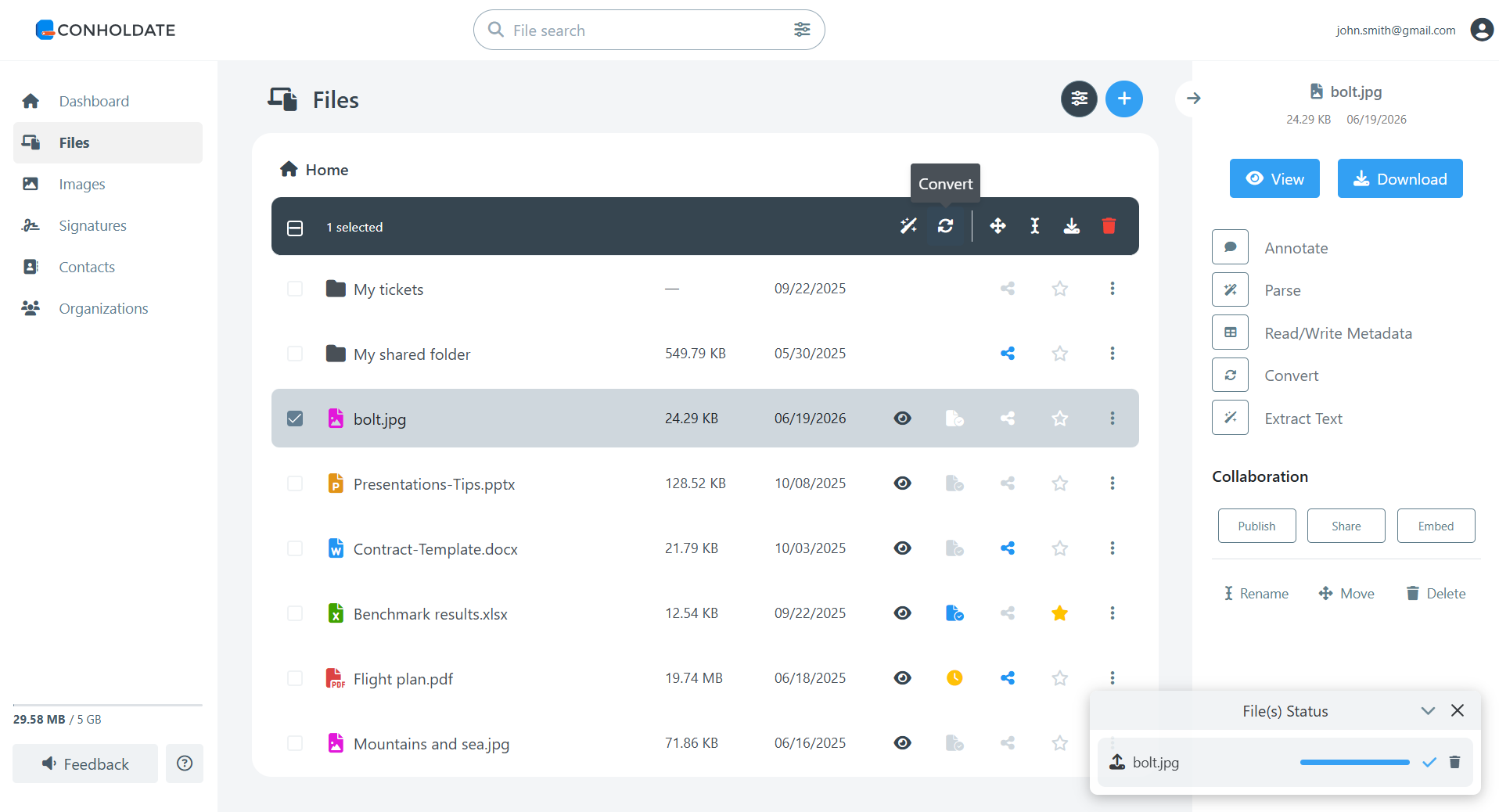
- Upload or select your JPG file in the Conholdate.Drive files list.
- Open the Conversion dialog from the top toolbar or the file’s context menu.
- In the list of target formats, select DWG.
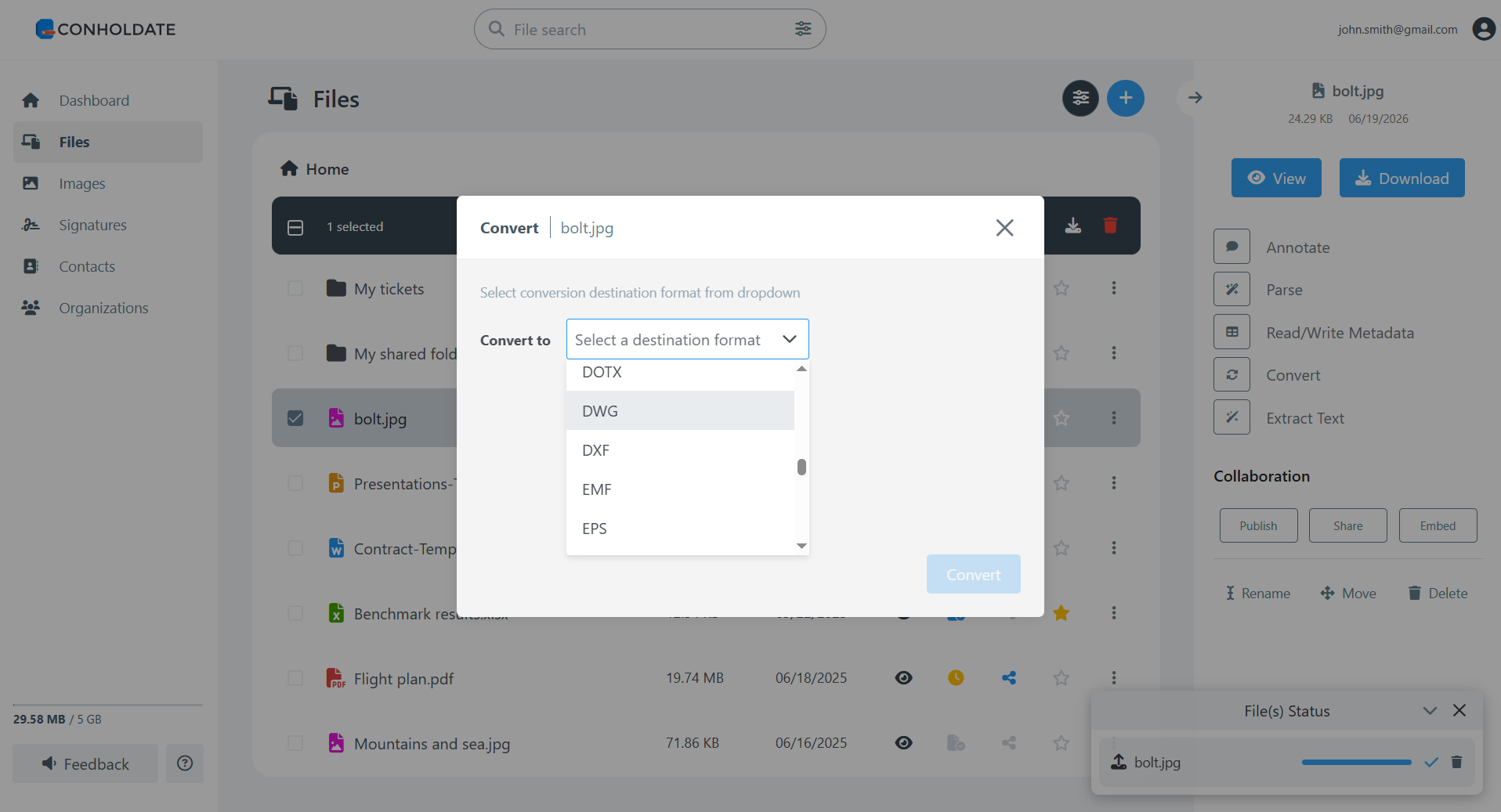
Click Convert.
Wait a few moments while the conversion is processed. Once finished, the resulting DWG file will appear in your files list, ready to view, download, or share.
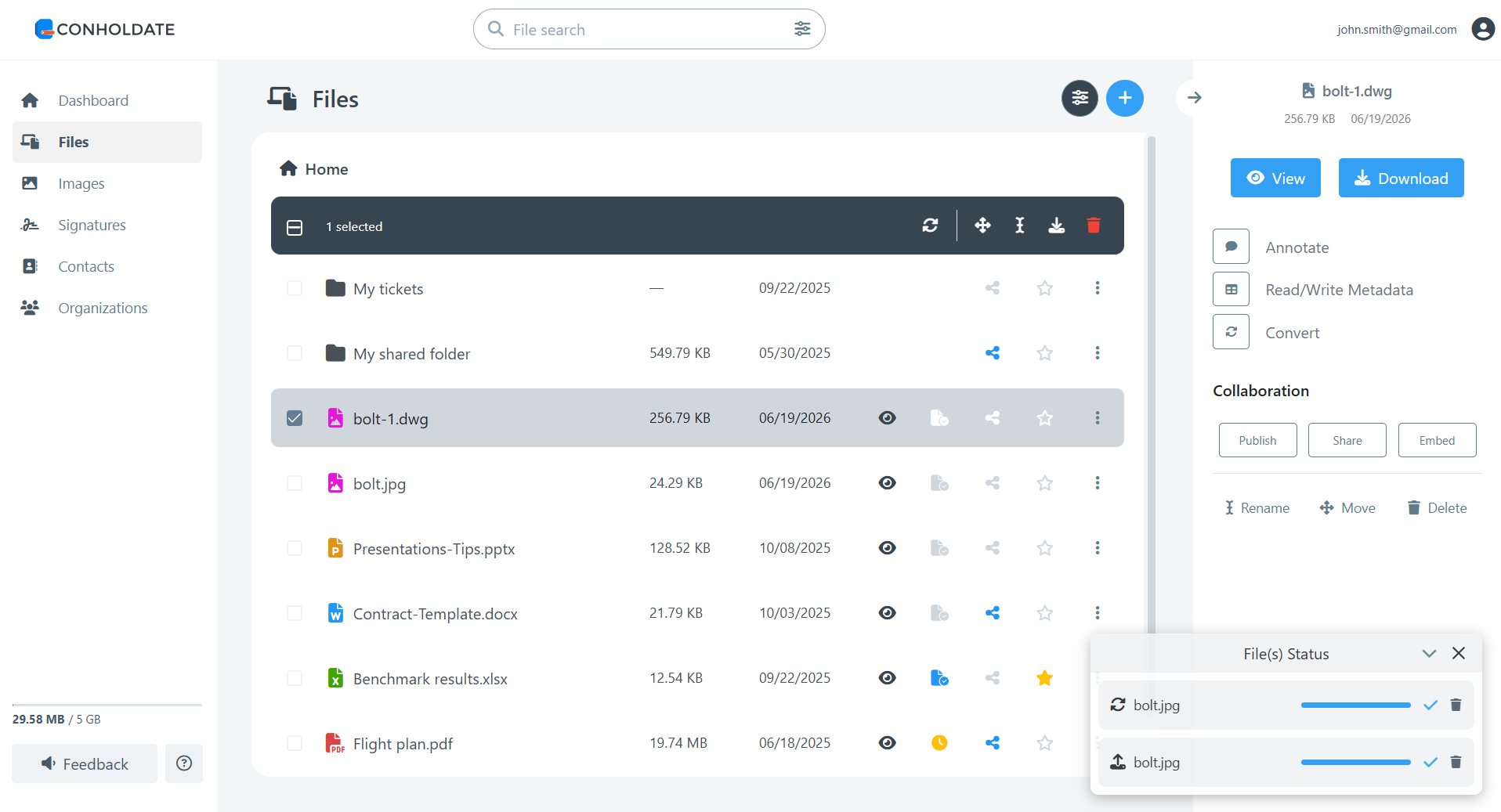
The converted DWG file can then be opened in compatible CAD applications for review, editing, or further preparation.
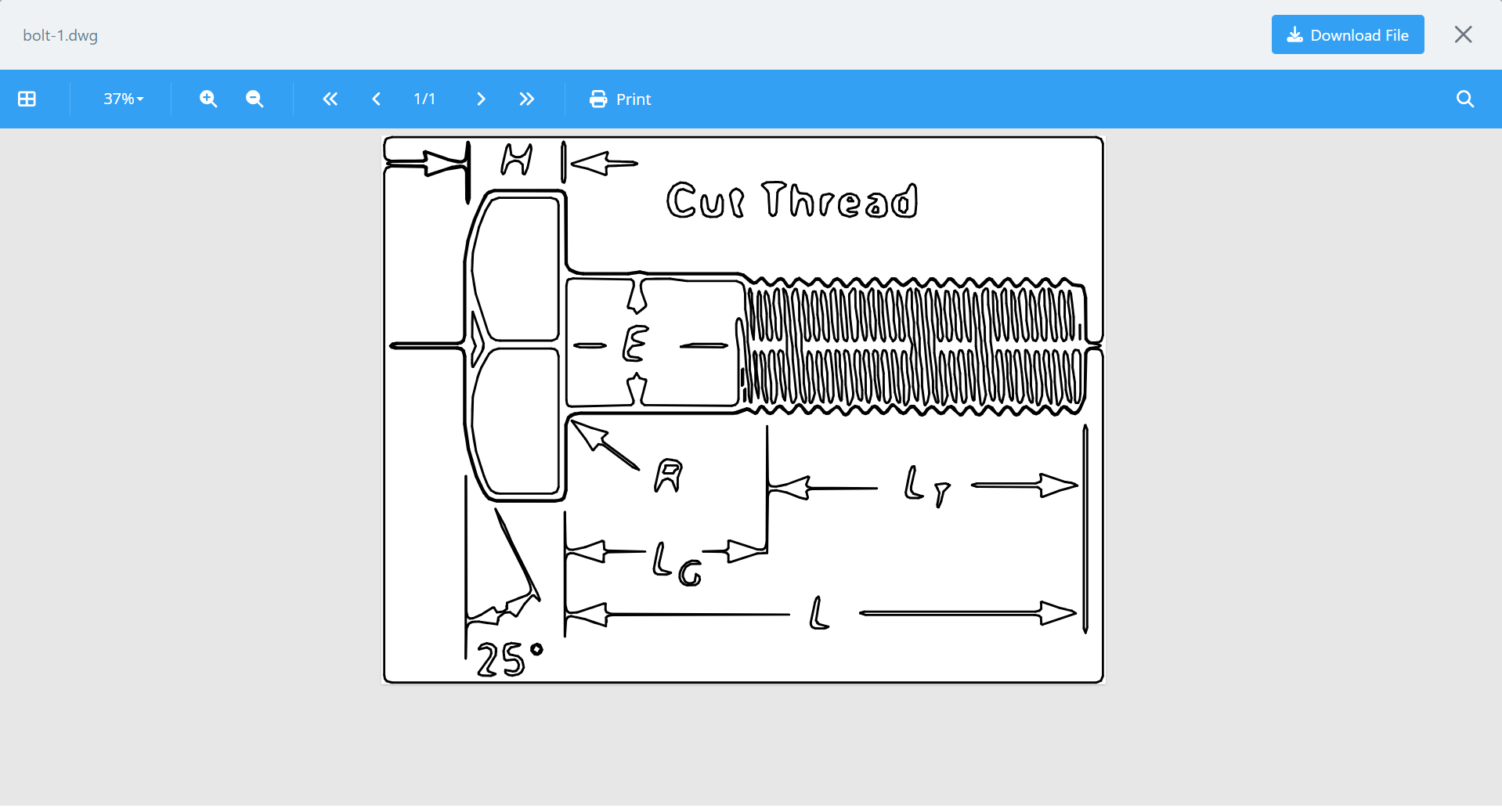
Convert DWG Back to JPG
Conholdate.Drive also supports the opposite workflow: converting DWG to JPG.
This is useful when you need to create an easy-to-preview image from a CAD drawing, share a design with someone who does not use CAD software, publish drawing previews, or include CAD content in documents, presentations, emails, and reports.
So whether you need to move from JPG to DWG for CAD editing or from DWG to JPG for viewing and sharing, Conholdate.Drive helps cover both directions online.
Other Supported Raster to CAD Conversions
In addition to JPG to DWG, Conholdate.Drive also supports conversion from other simple raster image formats, such as:
- PNG to DWG
- BMP to DWG
- TIFF to DWG
- GIF to DWG
These formats are commonly used for scans, screenshots, diagrams, and simple technical images. As with JPG conversion, the best results usually come from clean, high-contrast drawings with clear lines and minimal visual noise.
Why It’s Useful
- No CAD software required - convert files directly online.
- Helpful for scanned drawings - bring image-based plans into CAD workflows.
- Supports common raster formats - including JPG, PNG, BMP, TIFF, and GIF.
- Centralized file management - upload, convert, view, download, and share in one place.
- Supports reverse conversion - convert DWG files back to JPG for easy sharing and previewing.
Conholdate.Drive makes it easier to work with CAD and image formats together, especially when you need a quick online way to move raster drawings into DWG-based workflows.
Join the Discussion
Have questions or feedback about JPG to DWG conversion or other raster to CAD workflows? Join our public forum to share your experience, request improvements, or tell us which CAD and image conversions would help your workflow most.