EPUB files are a popular format for ebooks, manuals, documentation, and digital publications. When you need to share or read an EPUB file in another language, you usually want more than just raw text translation. You also want the layout, structure, and formatting to stay as close as possible to the original.
With Conholdate’s EPUB translation app, you can translate EPUB files online right from the guest landing page. There is no need to install desktop software or manually rebuild the ebook after translation.
This is especially useful for authors, publishers, editors, localization teams, educators, and readers who need a fast way to translate ebook content while keeping the document usable.
Why Translate EPUB Files Online
Translating EPUB files online is useful in many practical cases:
- Reading ebooks in a different language.
- Localizing educational or training materials.
- Preparing digital publications for a new audience.
- Translating manuals, guides, and documentation stored as EPUB.
- Sharing ebook content with international teams or clients.
Since EPUB is a structured format, a good translation workflow should preserve not only the text, but also the reading experience as much as possible.
How to Translate EPUB Files in Conholdate’s Guest App
Follow these steps to translate your EPUB file:
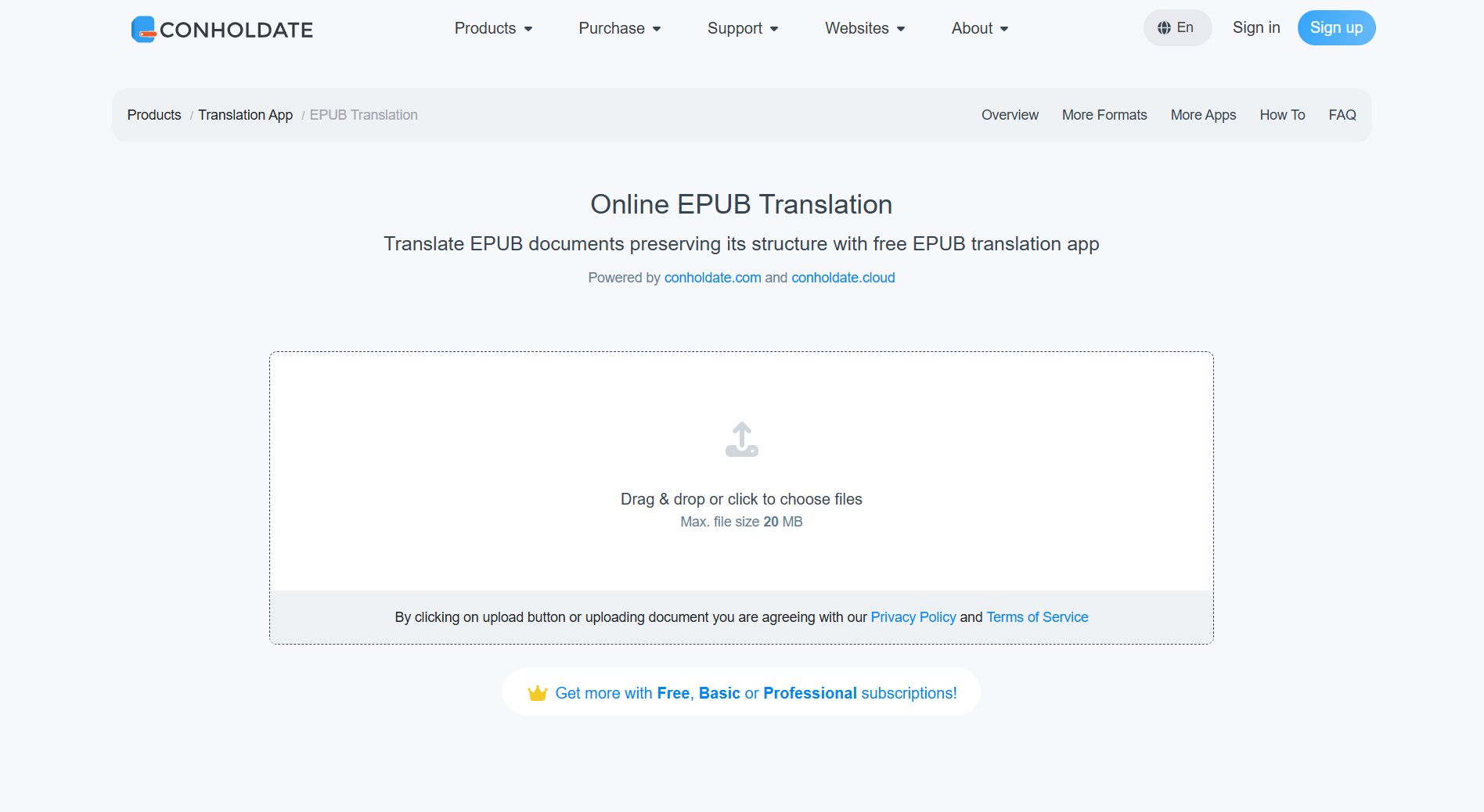
- Upload your EPUB file or use drag and drop to add it to the page.
- Wait while the file is uploaded and processed.
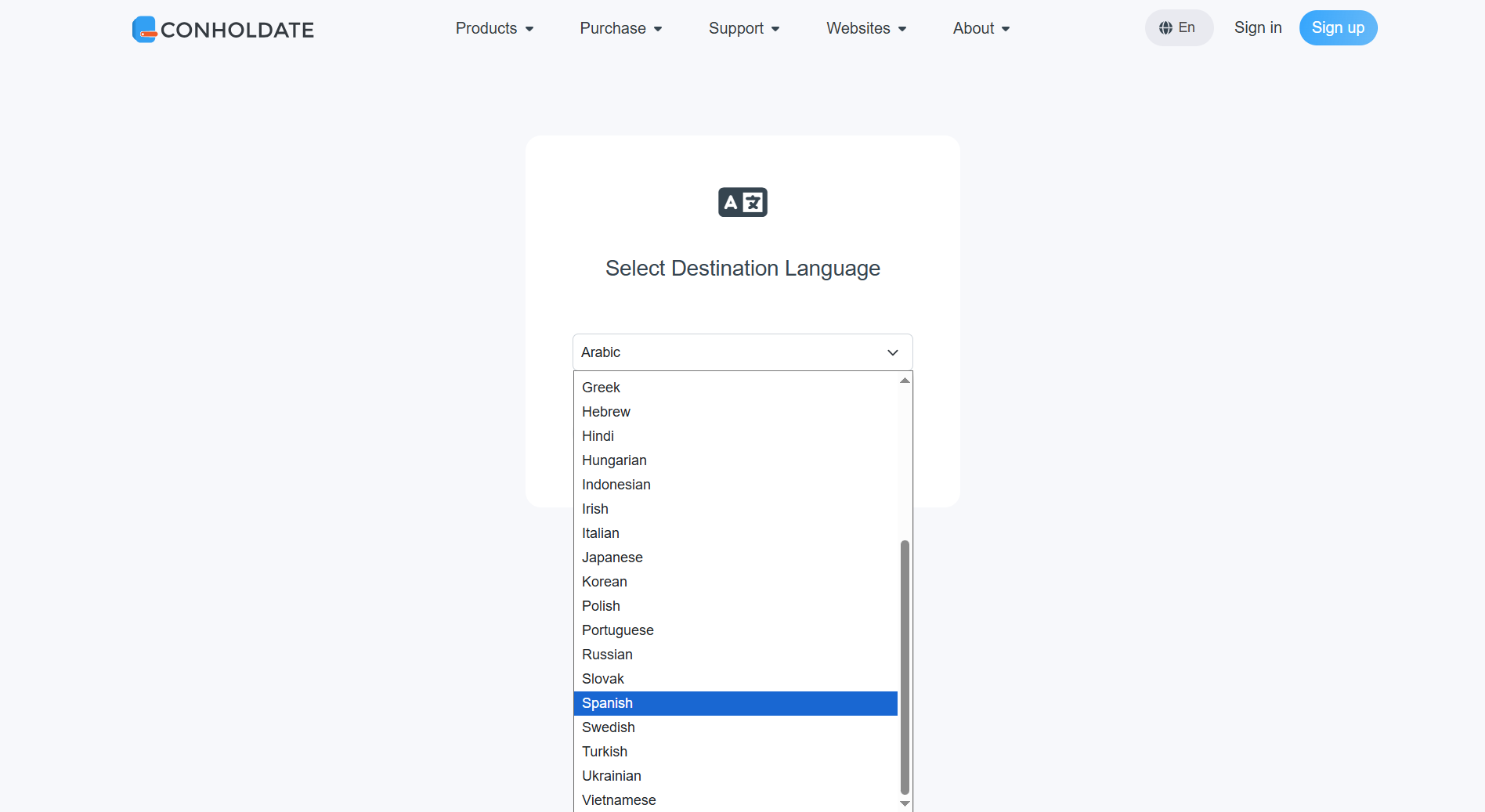
- Select the translation target language from the drop-down and click the Translate button.
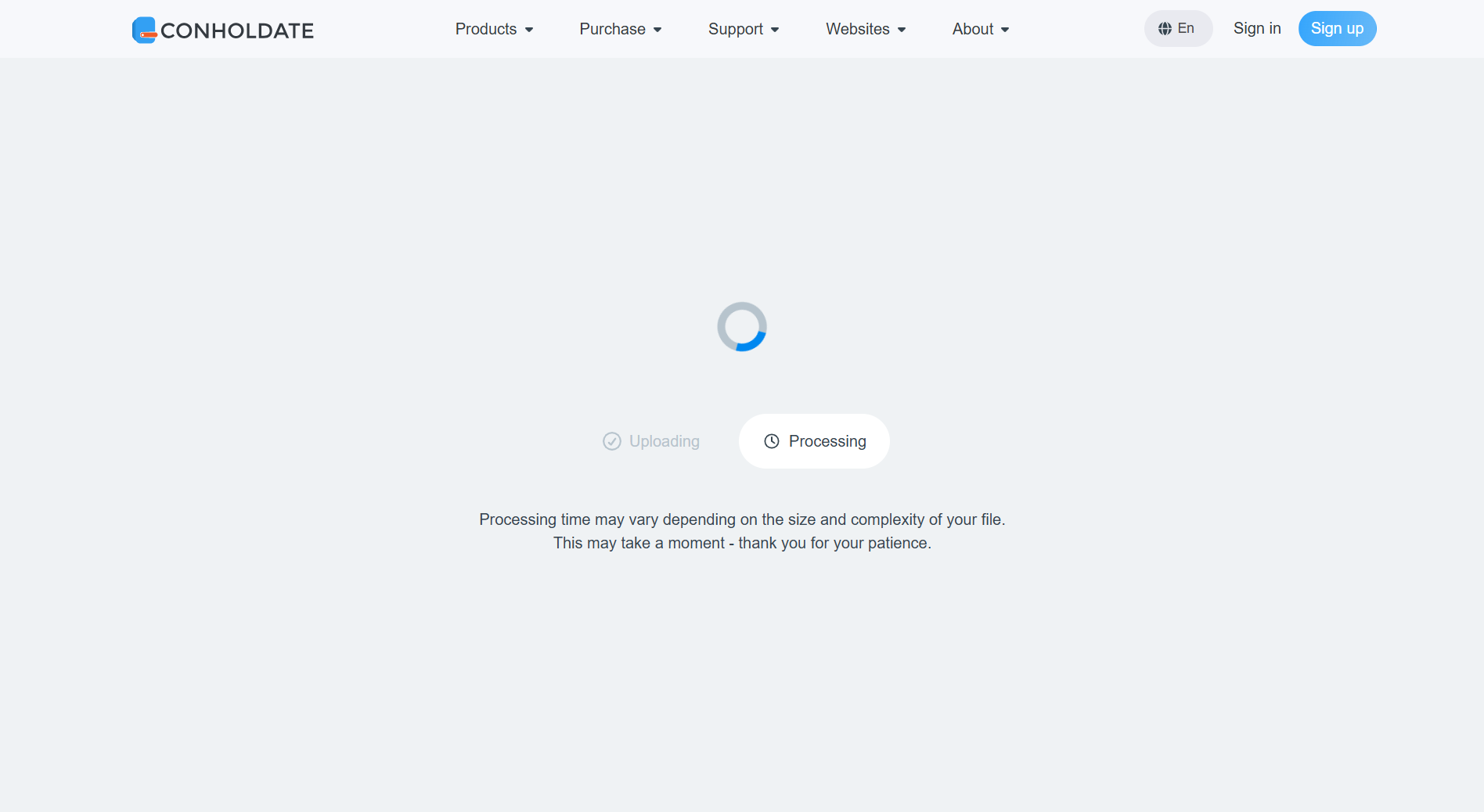
- Wait while the app processes the file. Because EPUB translation tries to preserve as much as possible from the original styles and formatting, the file is first disassembled, translated by parts, and then assembled back again.
- After the translation is finished, you will see the result view with the Download button.
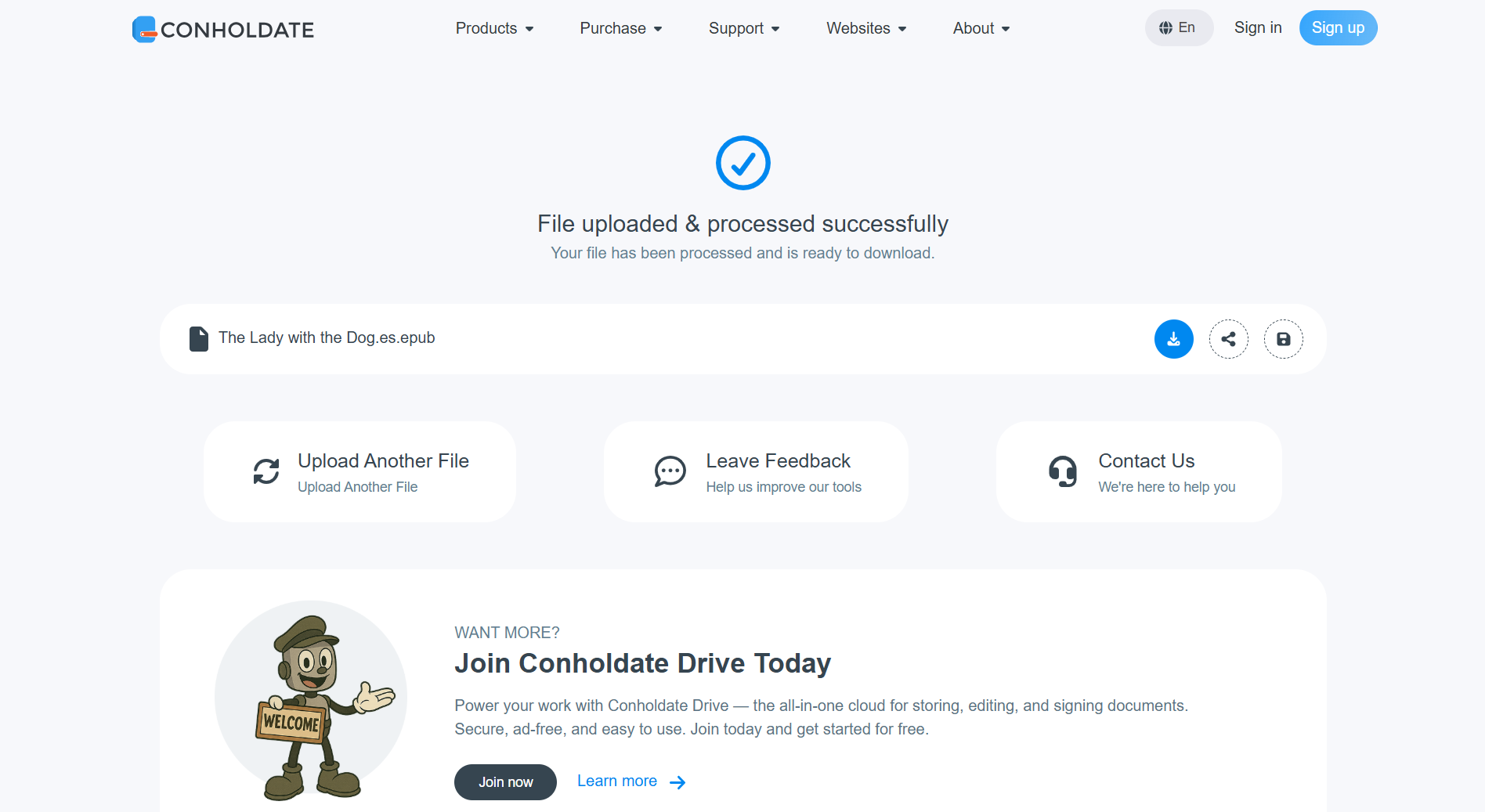
The translated EPUB file is then ready to save and use in your reading or publishing workflow.
Why the Translation Takes Some Time
EPUB files are not simple plain text documents. They often contain chapters, styles, layout rules, images, and structured content that need to stay organized after translation.
That is why the app shows a spinner and a processing message while it works. The goal is to preserve the EPUB structure and formatting as much as possible while translating the content accurately.
What Makes This Workflow Useful
- No desktop app required - translate EPUB files directly online.
- Guest access - available right from the landing page.
- Formatting-aware processing - the app tries to preserve EPUB styles and structure.
- Simple flow - upload, select language, translate, and download.
- Convenient for ebooks and documentation - useful for publishing, education, and localization tasks.
Conholdate makes EPUB translation easier by keeping the process online and accessible, while still handling the file structure carefully.
Join the Discussion
Have questions or feedback about EPUB translation or the guest AI translation app? Join our public forum to share your experience, request language support, or tell us which ebook translation workflows you would like to see next.