When files contain personal, confidential, or regulated information, it is often not enough to hide it visually. You may need to completely remove sensitive data from the file source so it cannot be recovered later.
With Conholdate Redaction, you can redact sensitive content online using a guest web app that works directly in your browser. The app is designed for cases where you need to remove confidential strings from documents and ensure that the protected content is no longer available in the output file.
This feature is especially useful for legal teams, compliance workflows, HR documents, business records, and anyone who needs to prepare files for secure sharing.
Why Use Redaction
Redaction is useful when a document contains data that should not be exposed to other readers:
- Personal information
- Internal identifiers
- Financial or business-sensitive values
- Private notes or remarks
- Contract details or confidential references
- Any text that must be removed before sharing
Unlike simple highlighting or masking, redaction is intended to remove sensitive strings from the file sources so the final document is safe to distribute.
Redaction Rule Types
Conholdate Redaction currently supports two main types of redaction rules:
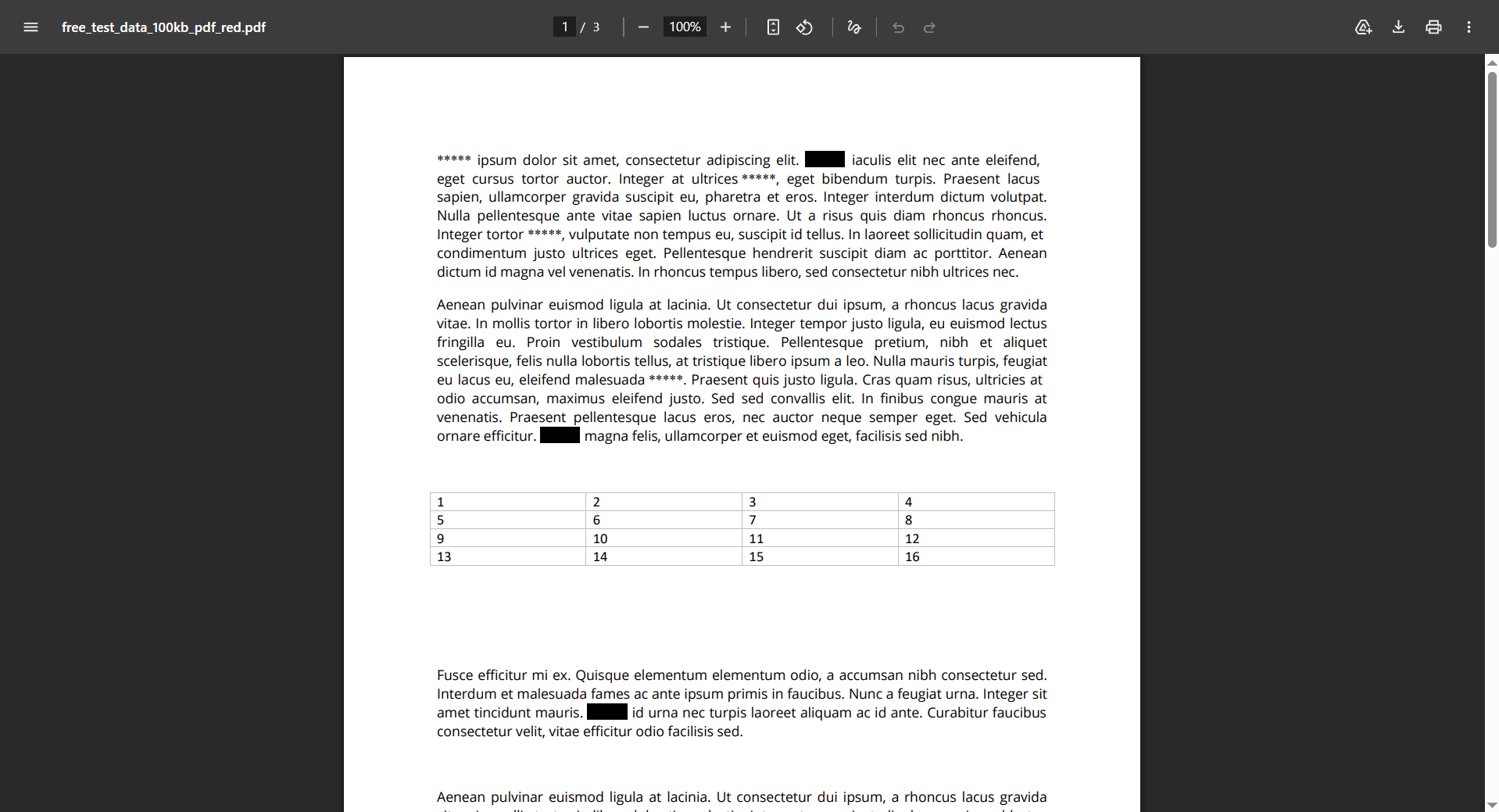
- Replace a sensitive string with another string, such as
*****,[censored], or any custom replacement text. - Replace sensitive strings with a black-box style redaction.
These rule types give you flexibility depending on whether you want to preserve readability, hide values in a structured way, or fully obscure the original content.
You can add and delete redaction rules without limits, so you can prepare the file exactly the way you need.
How to Redact Files in Conholdate Redaction
Follow these basic steps to redact your file:
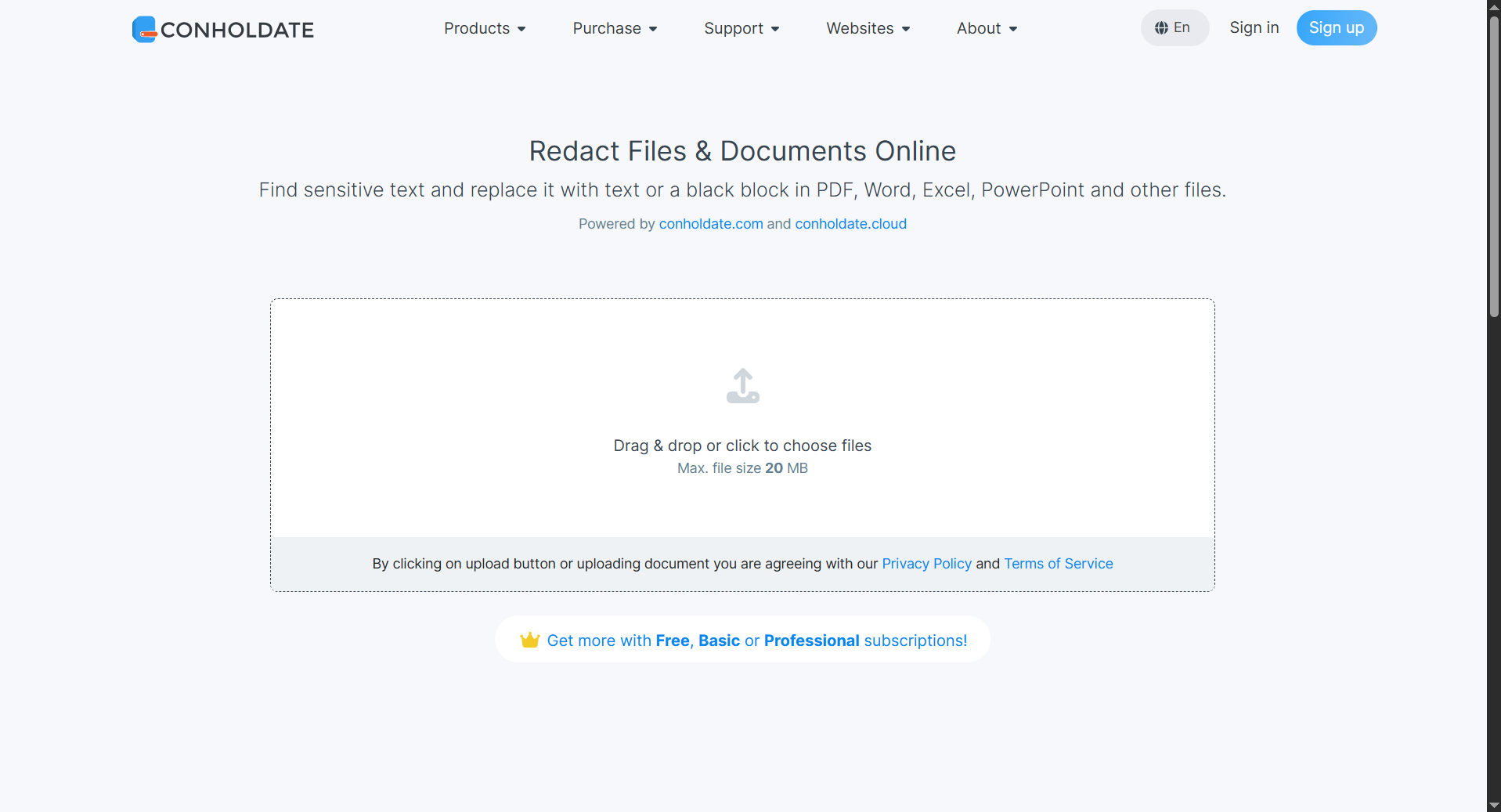
- Go to https://products.conholdate.app/redaction and upload the file.
- Set the required data for the redaction rules.
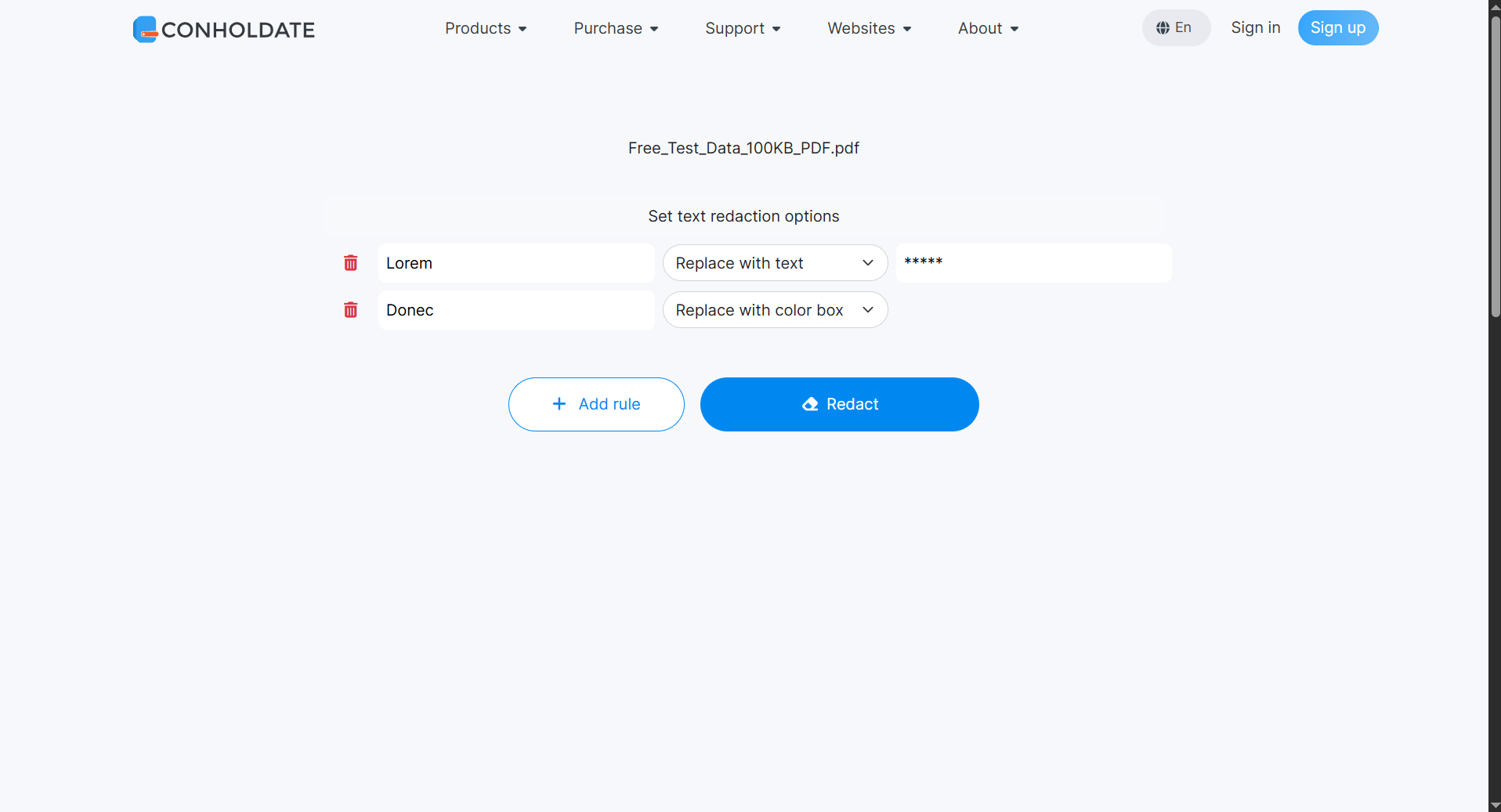
- Add as many rules as needed, or remove existing ones when necessary.
- Click the Redact button.
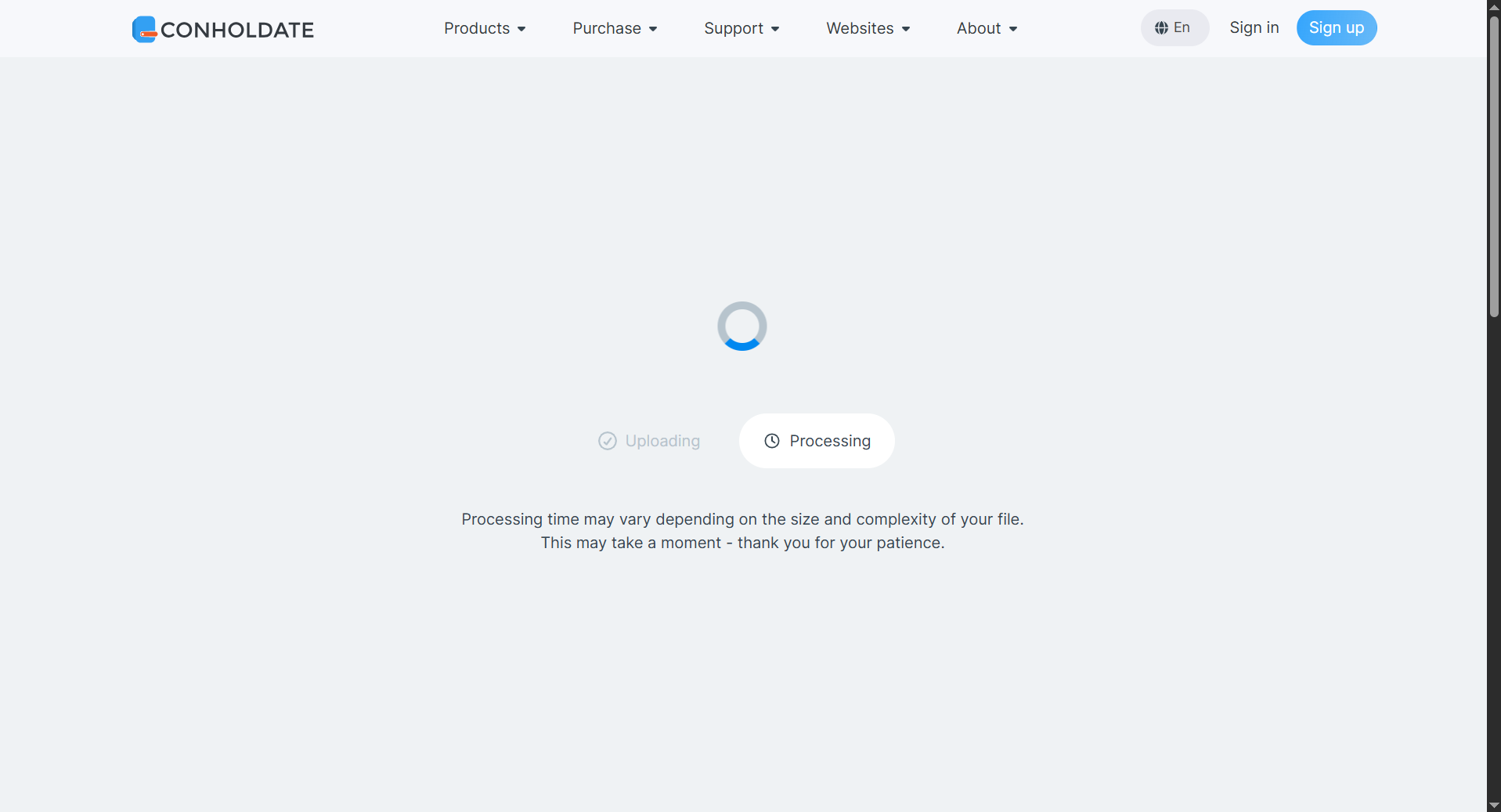
- Wait while the file is processed.
- After processing is complete, download or share the resulting redacted file from the result page.
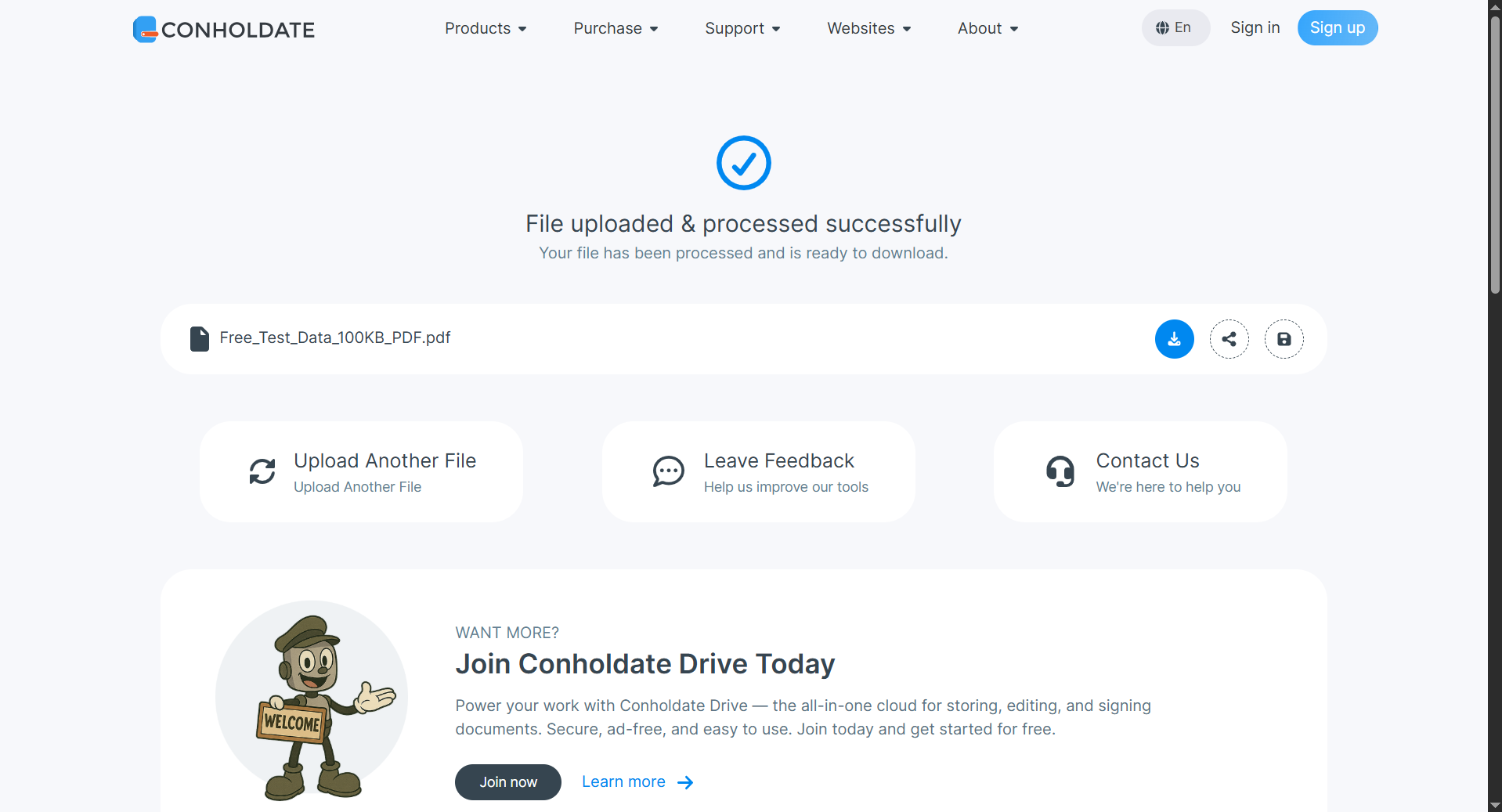
The final file is ready for secure use in your workflow once redaction has been applied.
Supported File Types
The Redaction app is currently working for major Office formats (DOCX, XLSX, PPTX) and PDF.
That makes it a practical choice for documents that often contain sensitive information and need to be prepared for external sharing, internal review, or archival use.
Why It’s Useful
- Removes sensitive data from file sources
- Supports Office formats and PDF
- Two redaction styles - replacement text or black-box redaction
- Unlimited rules - add and delete rules as needed
- Simple browser-based workflow
- Download or share results after processing
Conholdate Redaction helps make document sanitization easier by bringing secure file redaction into a straightforward online workflow.
Join the Discussion
Have questions or feedback about file redaction or the new Conholdate Redaction app? Join our public forum to share your experience, request more file format support, or tell us how you use redaction in your document workflow.