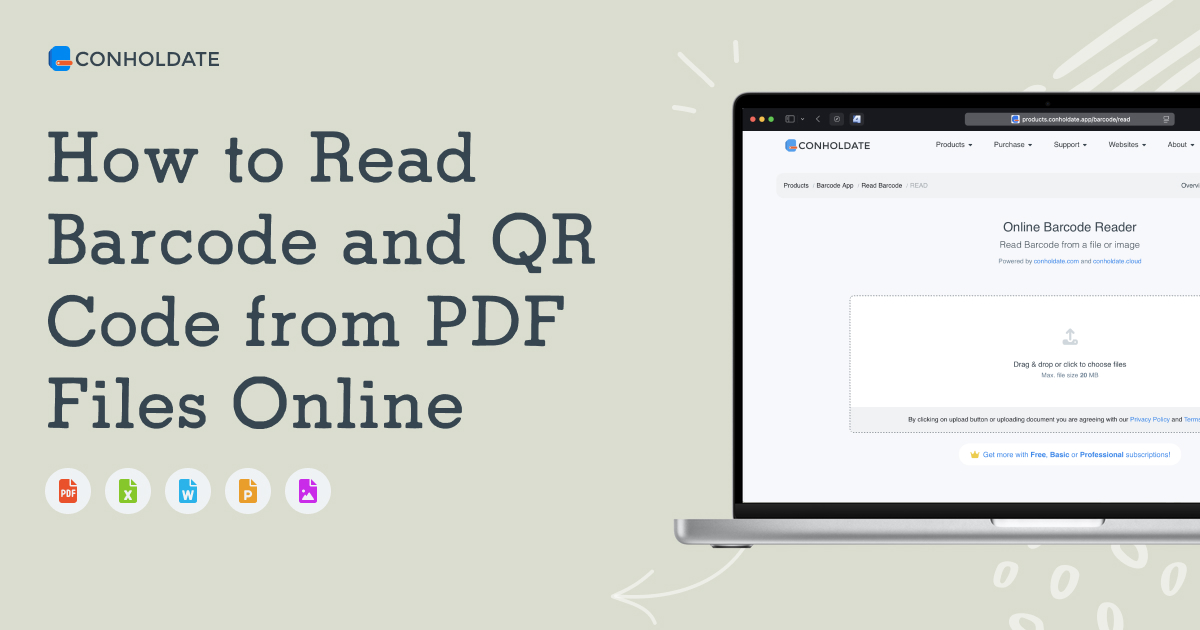
Barcodes and QR codes are often embedded inside PDF files as part of invoices, labels, documents, tickets, reports, and printed materials. With Conholdate Barcode Read and Conholdate QRCode Read, you can now read barcode and QR code data from PDF files online without installing any desktop software.
This feature is useful when you need to quickly extract encoded information from a PDF and reuse it in another system, workflow, or application.
Why Read Barcode and QR Code from PDF
Reading barcodes and QR codes from PDF files is useful in many everyday scenarios:
- Extracting product or shipment data from label PDFs.
- Reading QR codes from invoices, tickets, or receipts.
- Capturing encoded links or identifiers from scanned documents.
- Processing archived PDFs that contain barcode-based records.
- Reusing machine-readable data in business or automation workflows.
Instead of manually decoding the content, Conholdate handles the scan and extraction online.
How to Read Barcode or QR Code from PDF in Conholdate
Follow these simple steps to extract the encoded data:
- Upload the PDF file that contains the barcode or QR code using the URLs below:
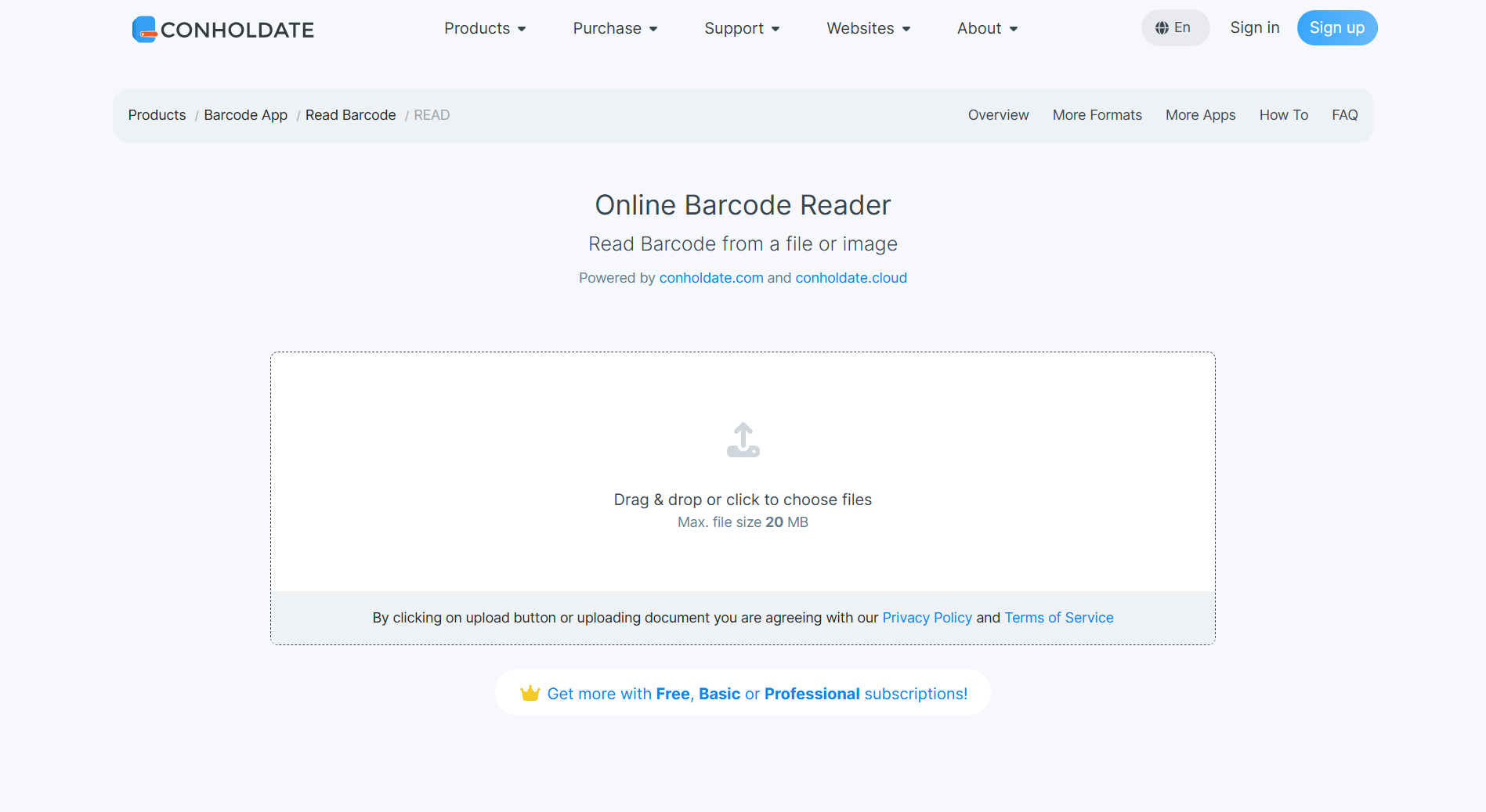
- Select the scan quality:
- Fast
- Normal
- Excellent
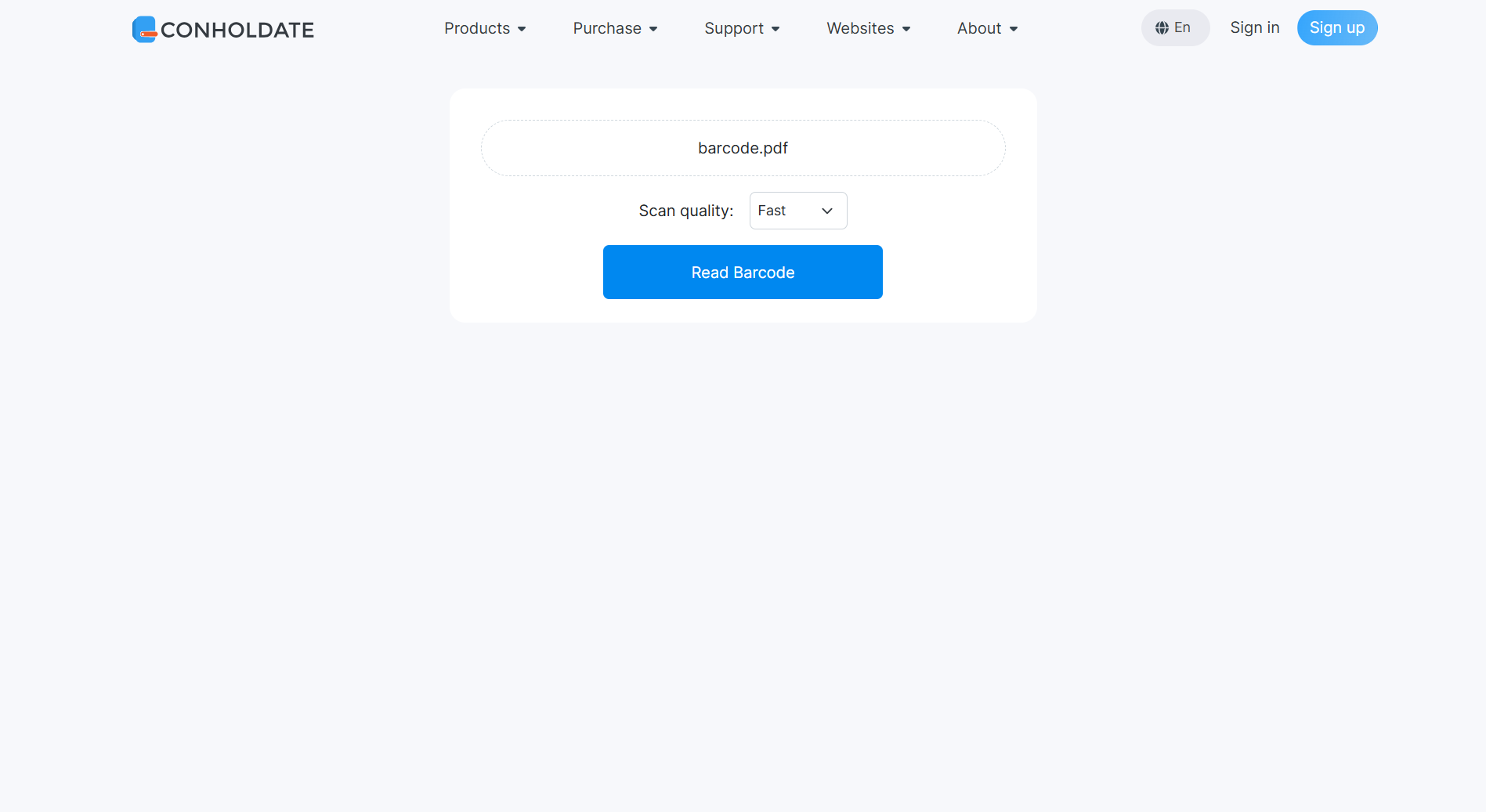
- Click the Read Barcode/QRCode button.
- Wait while cloud processing is completed.
- Open the resulting page with the textarea that contains the decoded data from the barcode or QR code.
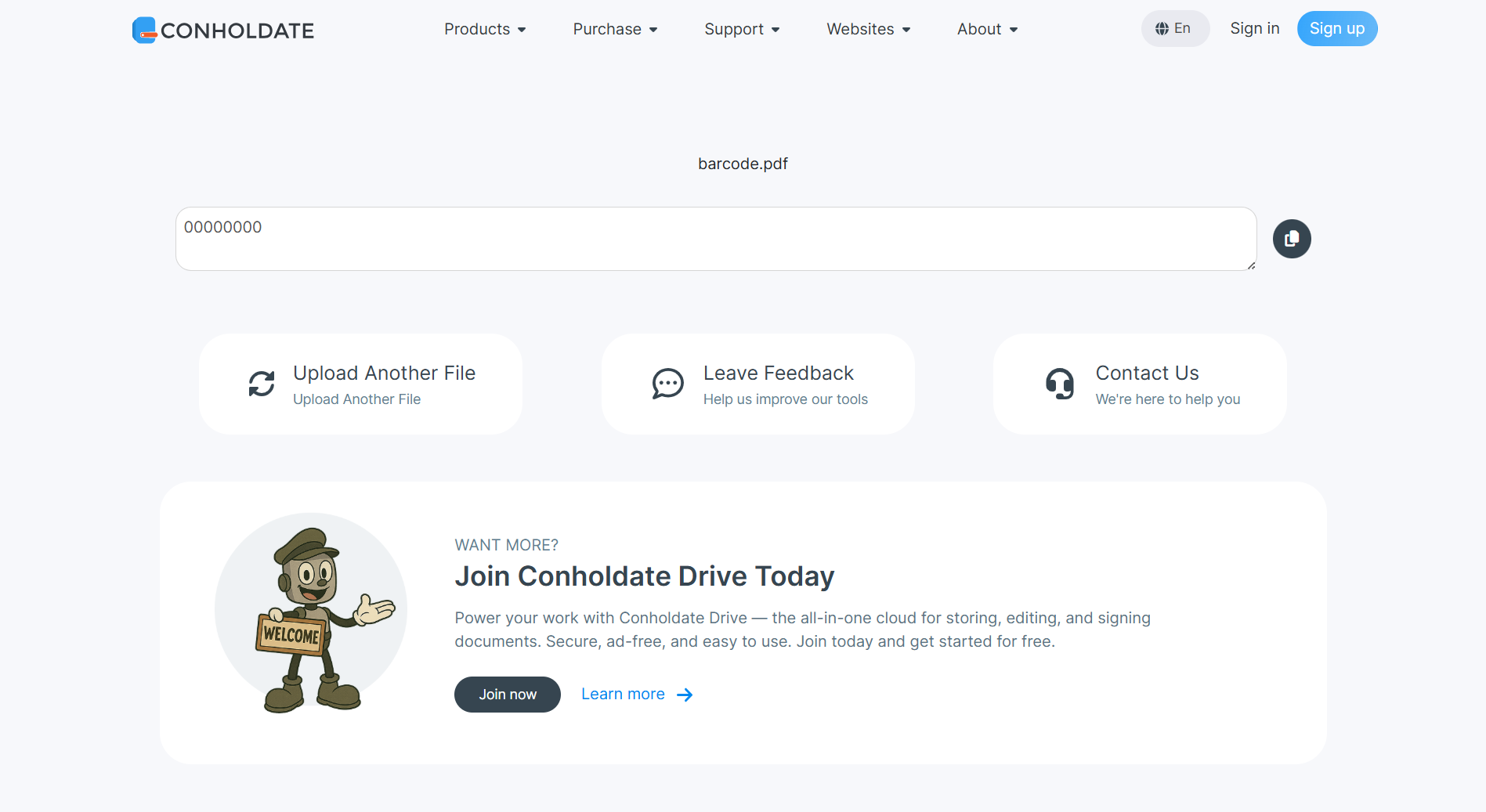
The extracted result can then be copied and reused right away.
Scan Quality Options
The app provides three scan quality modes:
- Fast
- Faster processing, suitable for quick checks.
- Normal
- Balanced speed and accuracy.
- Excellent
- Best accuracy, but may take longer to complete.
Choose the option that best matches your document quality and workflow needs.
What You Can Do With the Result
After processing is finished, the result page shows the decoded content in a textarea. From there, you can:
- Copy the data to the clipboard using the copy button.
- Use OS hotkeys to copy the content manually.
- Use the common result-page actions available in the app, such as download, share, or saving the result to Conholdate.Drive, just like in the other guest apps.
This makes it easy to move from scanned PDF content to usable machine-readable data.
Why It’s Useful
- No desktop scanner app required
- Supports barcode and QR code extraction from PDF
- Three scan quality levels
- Cloud processing for document-based scanning
- Easy to copy, share, or reuse extracted data
- Works well for invoices, labels, tickets, and archived documents
Conholdate makes it easier to work with machine-readable codes inside PDF files by bringing barcode and QR code reading into a simple online workflow.
Join the Discussion
Have questions or feedback about barcode reading, QR code reading, or the new PDF scanning workflow? Join our public forum to share your experience, request more format support, or tell us how you use barcode and QR code extraction in your workflow.