Editing a file is often only part of the workflow. In many cases, you also need to export the final result into a format that is easier to share, publish, archive, or continue editing elsewhere.
With Conholdate Editor, you can now export edited files online directly from the guest app. After making changes in the browser, you can save the file and export it to HTML, PDF, or DOCX depending on your needs.
This is useful for teams, content creators, documentation workflows, and anyone who needs a simple browser-based editing and export flow.
Why Export Edited Files
Exporting edited files is useful in many real-world scenarios:
- Publishing content as HTML for web use.
- Generating a PDF for sharing or archiving.
- Converting edited content to DOCX for further office editing.
- Preparing files for review or distribution.
- Keeping the same content available in multiple output formats.
- Moving from browser editing to a document format that fits the next step in your workflow.
Instead of copying content manually into another application, Conholdate Editor lets you finish the edit and export the result in one place.
How to Export Edited Files in Conholdate Editor
Follow these simple steps to export your edited file:
- Upload the file on the online Editor app page https://products.conholdate.app/editor.
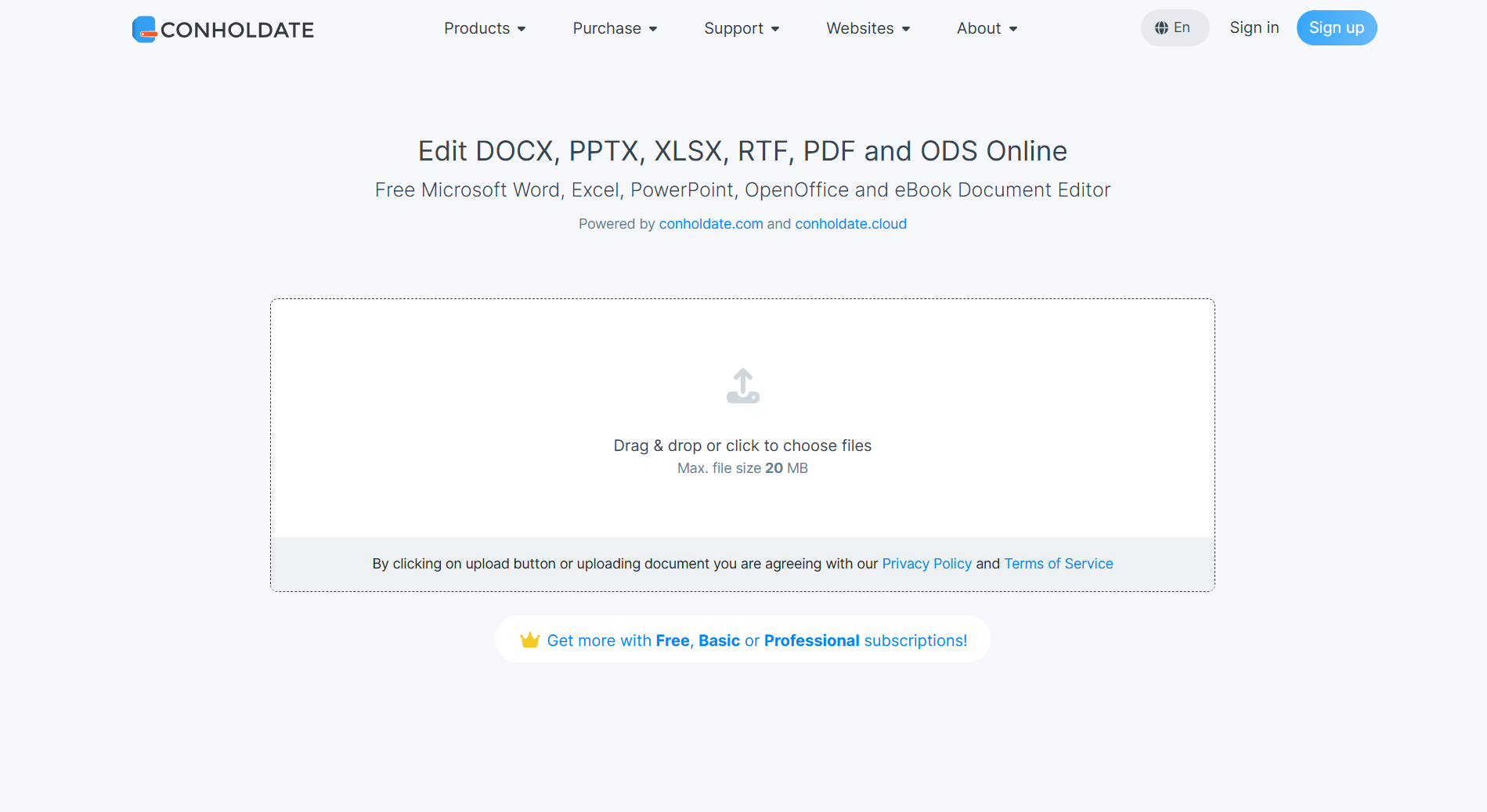
- Open the Editor app.
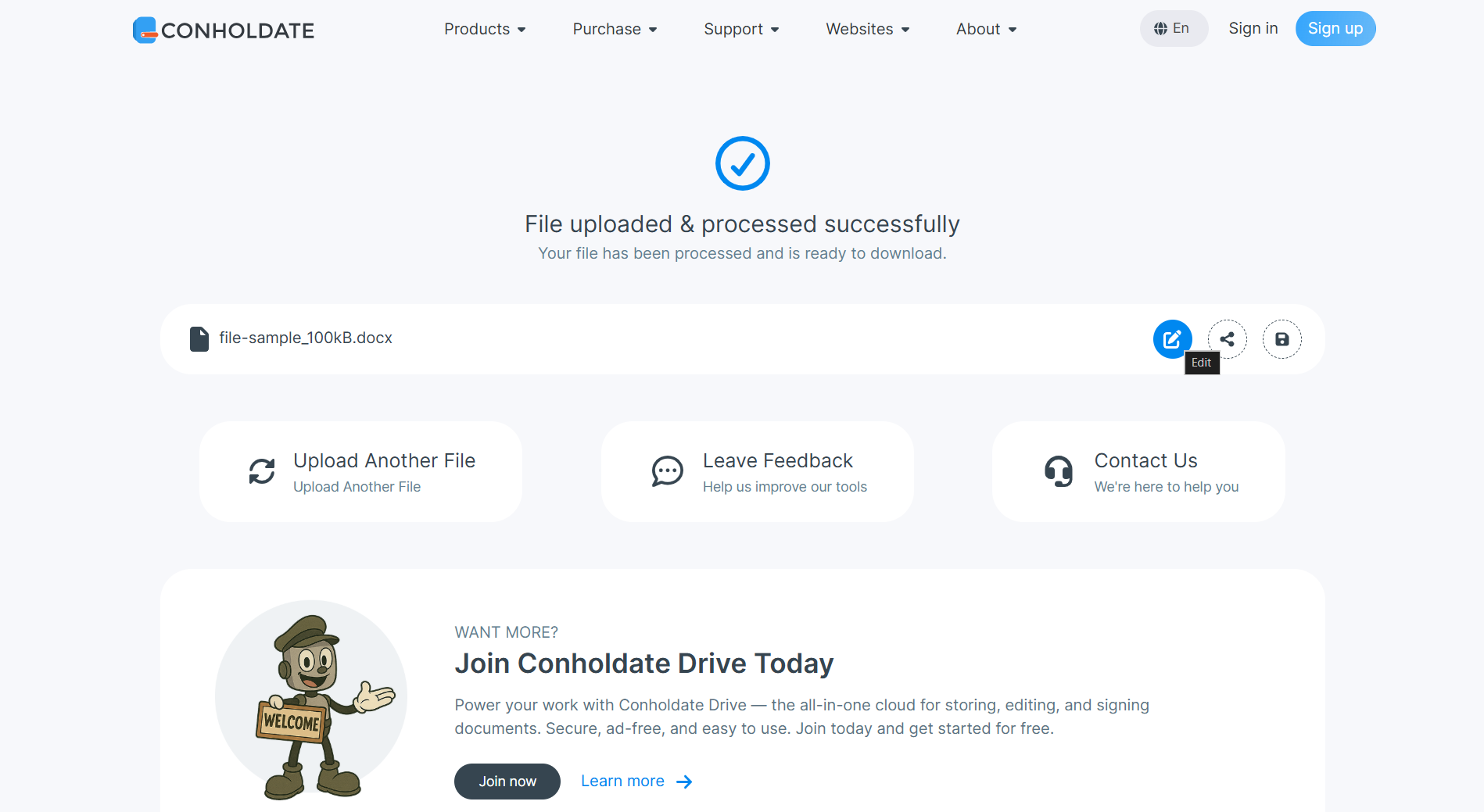
- Edit the file content and save your changes.
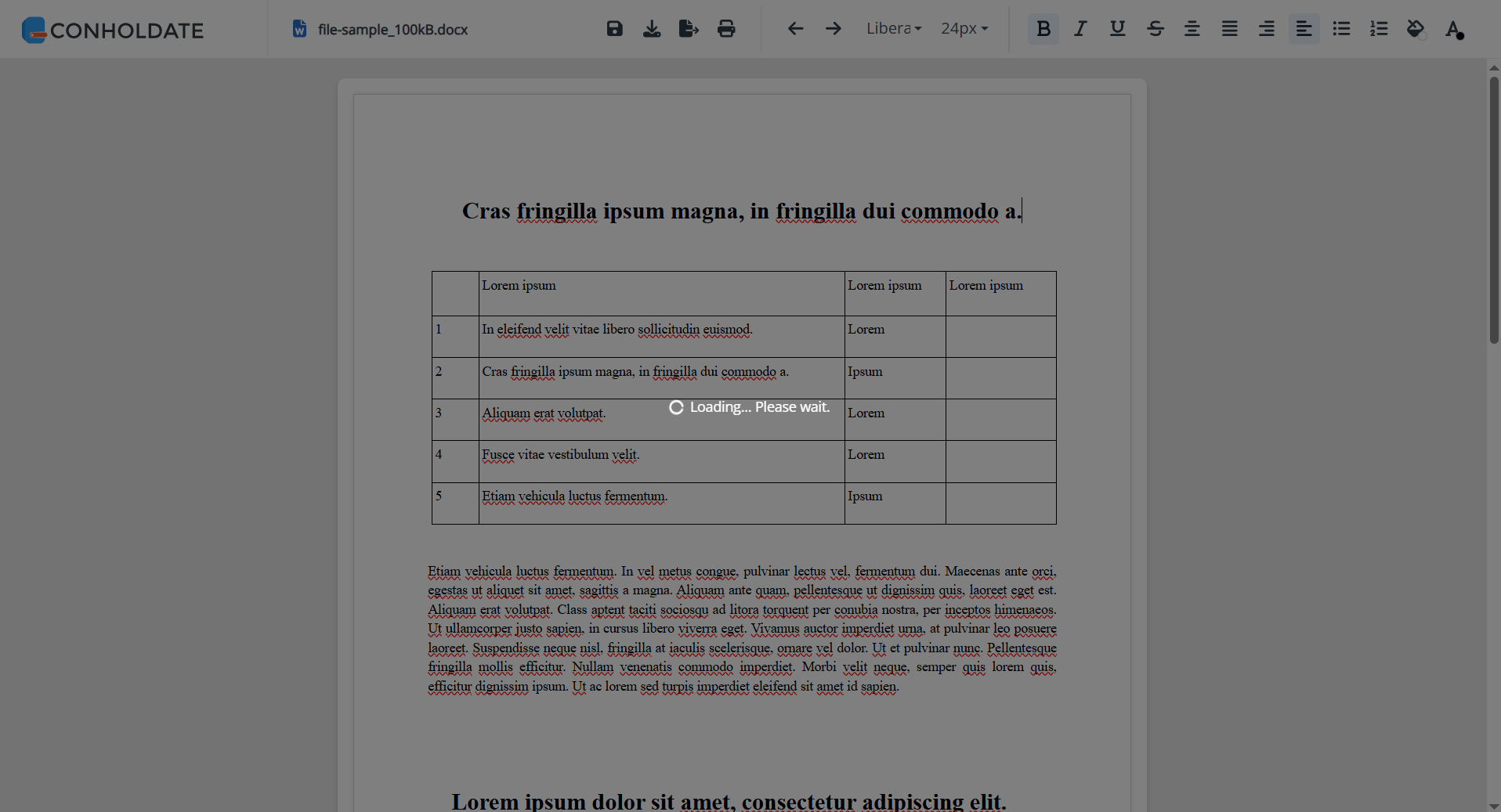
- Click the Export button to see the available export options.
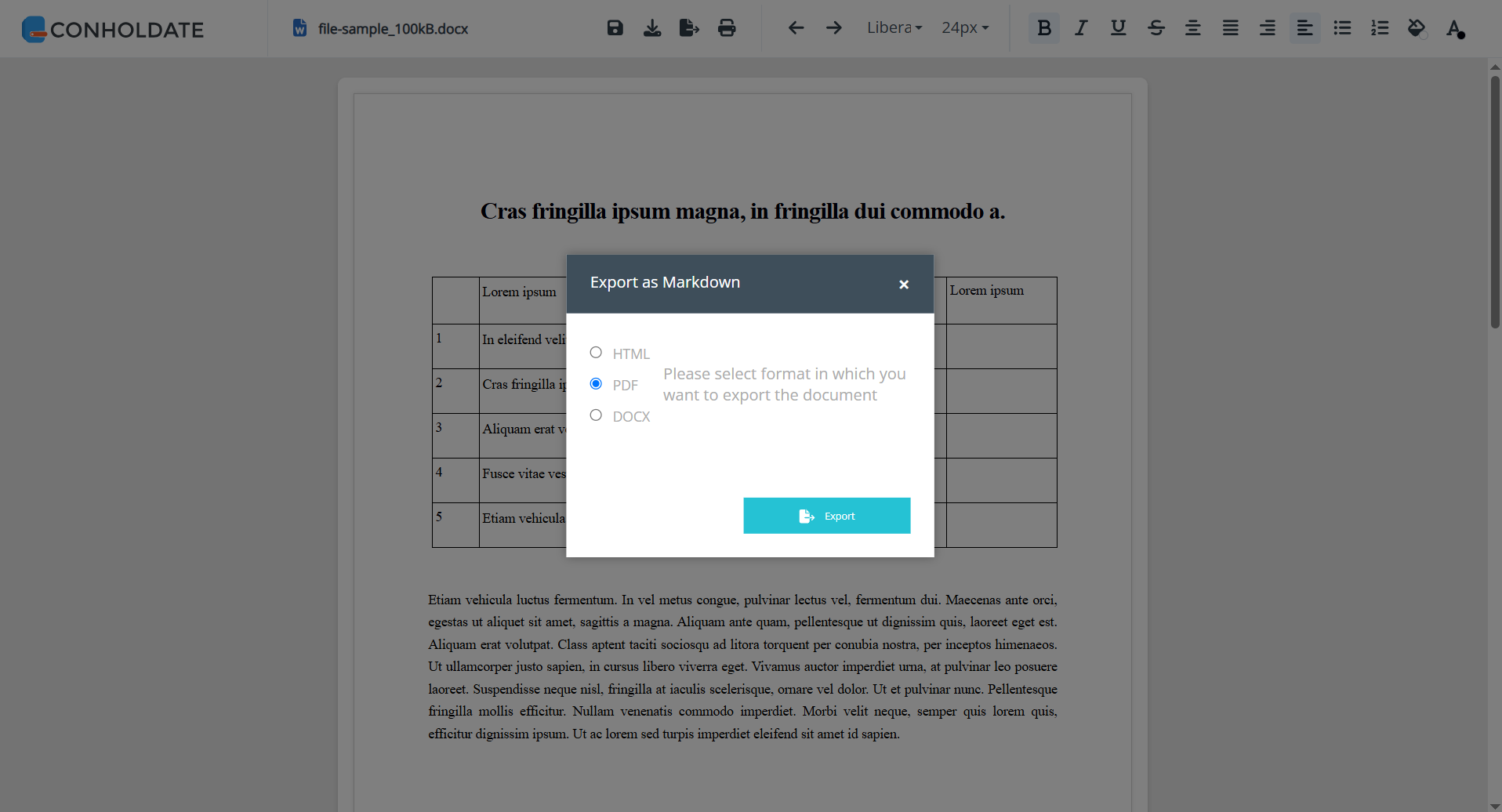
From there, you can choose the output format you need:
- HTML
- DOCX
Export Format Options
Conholdate Editor currently supports export to three useful formats:
- HTML
- Good for web publishing, previews, and browser-friendly output.
- PDF
- Useful for sharing, printing, and preserving the final layout.
- DOCX
- Helpful when you need to continue working in Microsoft Word or another word processor.
These export options make it easier to reuse the edited content in different environments.
Why It’s Useful
- No desktop software required - edit and export files online.
- Simple browser workflow - upload, edit, save, and export.
- Multiple export formats - HTML, PDF, and DOCX.
- Useful for documentation and content workflows
- Convenient for sharing and publishing
- Helps move edited content into the right format for the next step
Conholdate Editor makes file editing more practical by letting you finish your work and export it in the format you need, all from the browser.
Join the Discussion
Have questions or feedback about file export or the new Conholdate Editor export feature? Join our public forum to share your experience, request more export formats, or tell us how you use the Editor app in your workflow.