PDF files are widely used for reports, manuals, forms, contracts, and shared business documents. With Conholdate Editor, you can now edit PDF files online in the browser using the new beta feature of the Conholdate Editor app.
This feature is designed for simple PDF files and quick browser-based editing workflows. Since it is still in beta, results may vary for complex PDFs with advanced layouts, heavy formatting, or intricate visual structures. For simpler files, however, it can be a very practical way to make quick edits without using desktop software.
Why Edit PDF Files Online
Editing PDF files online is useful in many everyday scenarios:
- Correcting text in simple PDF documents.
- Updating small content sections without reopening desktop software.
- Adjusting document wording before sharing it.
- Making quick edits from a browser-based workflow.
- Preparing a PDF for download, export, or printing.
- Working with files when you need a fast online editor instead of a full desktop application.
For straightforward PDF documents, this is a convenient way to make changes and continue working in one place.
How to Edit PDF Files in Conholdate Editor
Follow these simple steps to use the new PDF editing feature:
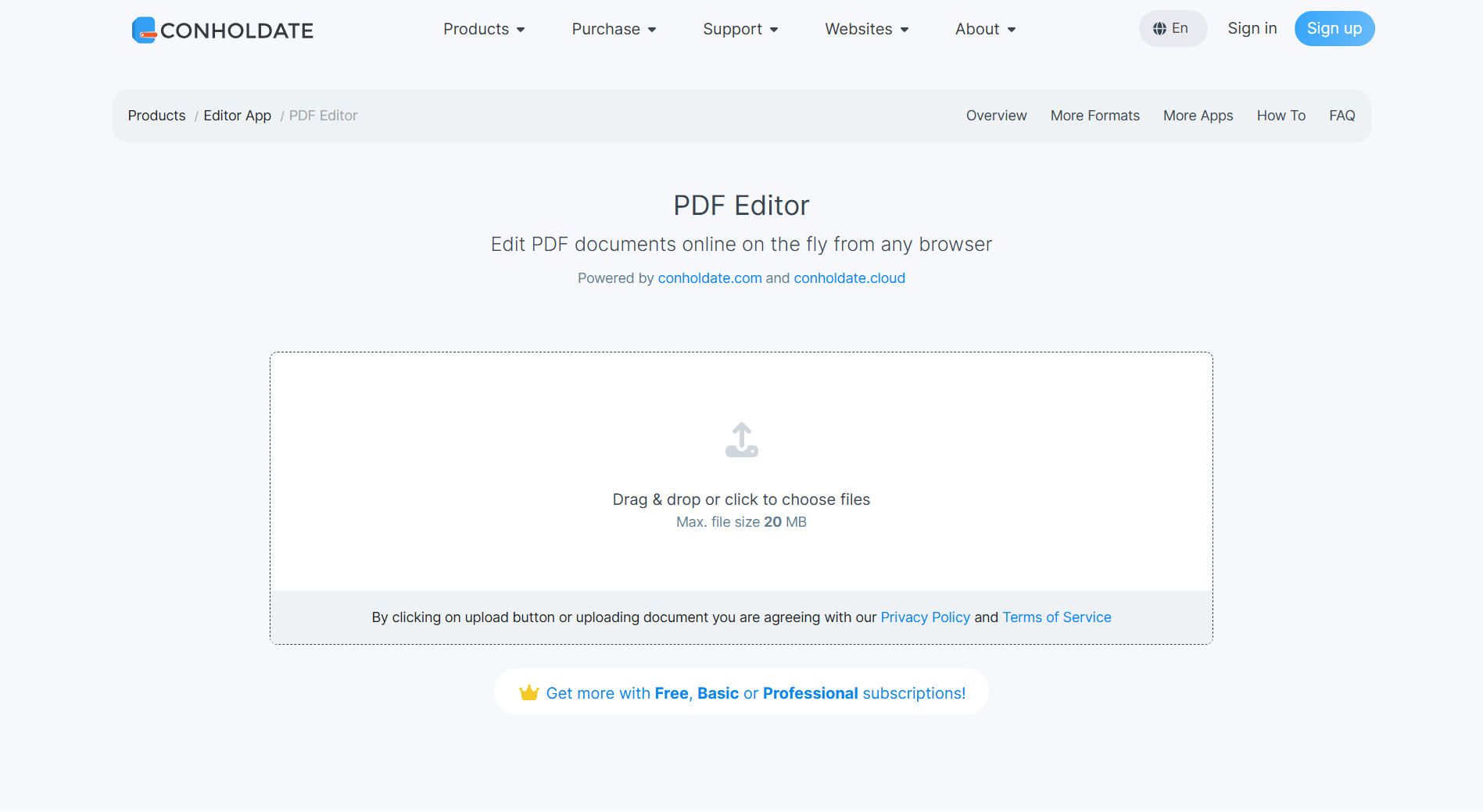
- Upload the PDF file to the app on https://products.conholdate.app/editor/pdf.
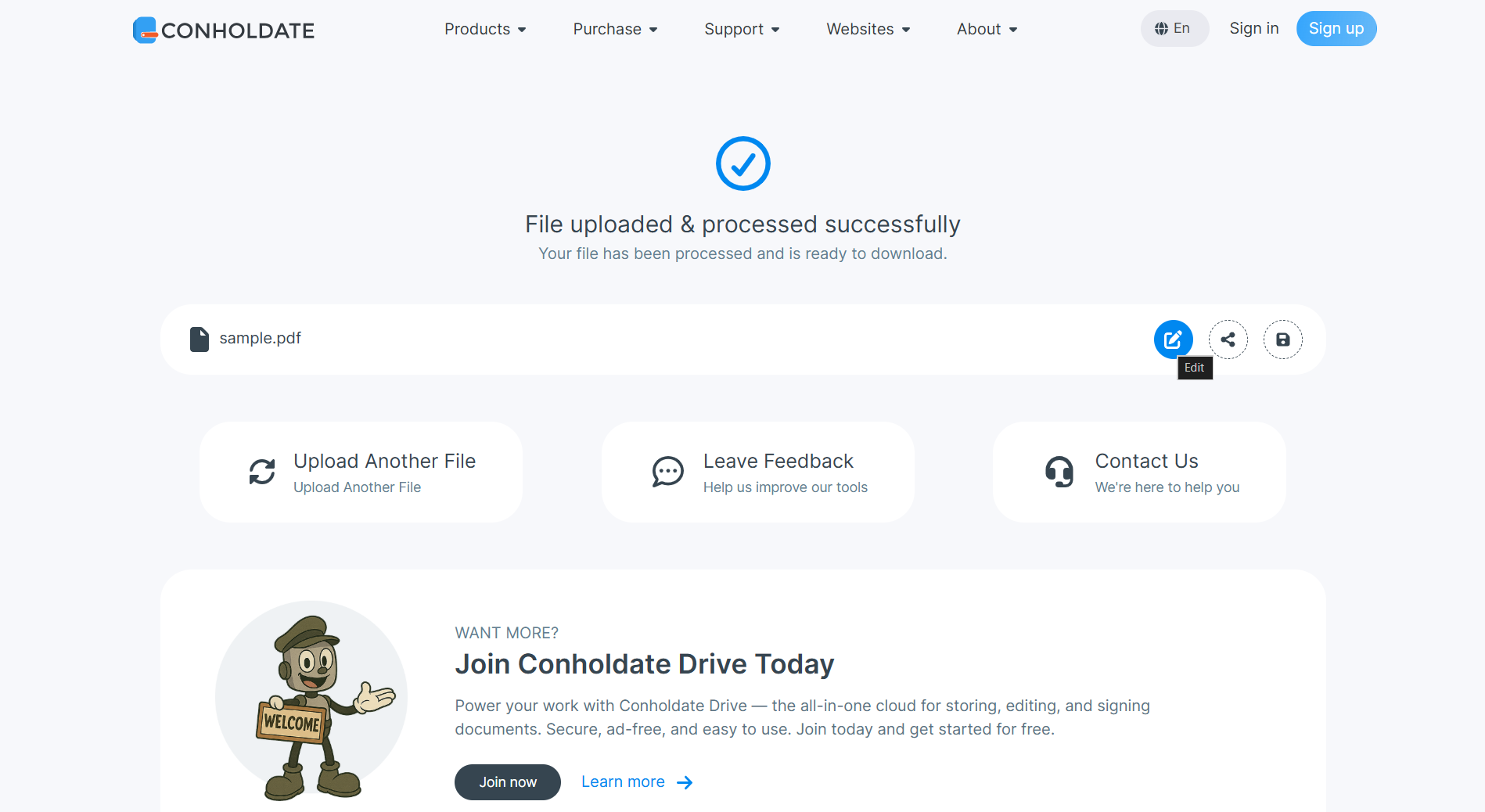
- Open the Online Editor app for the uploaded PDF file using the round blue Edit button.
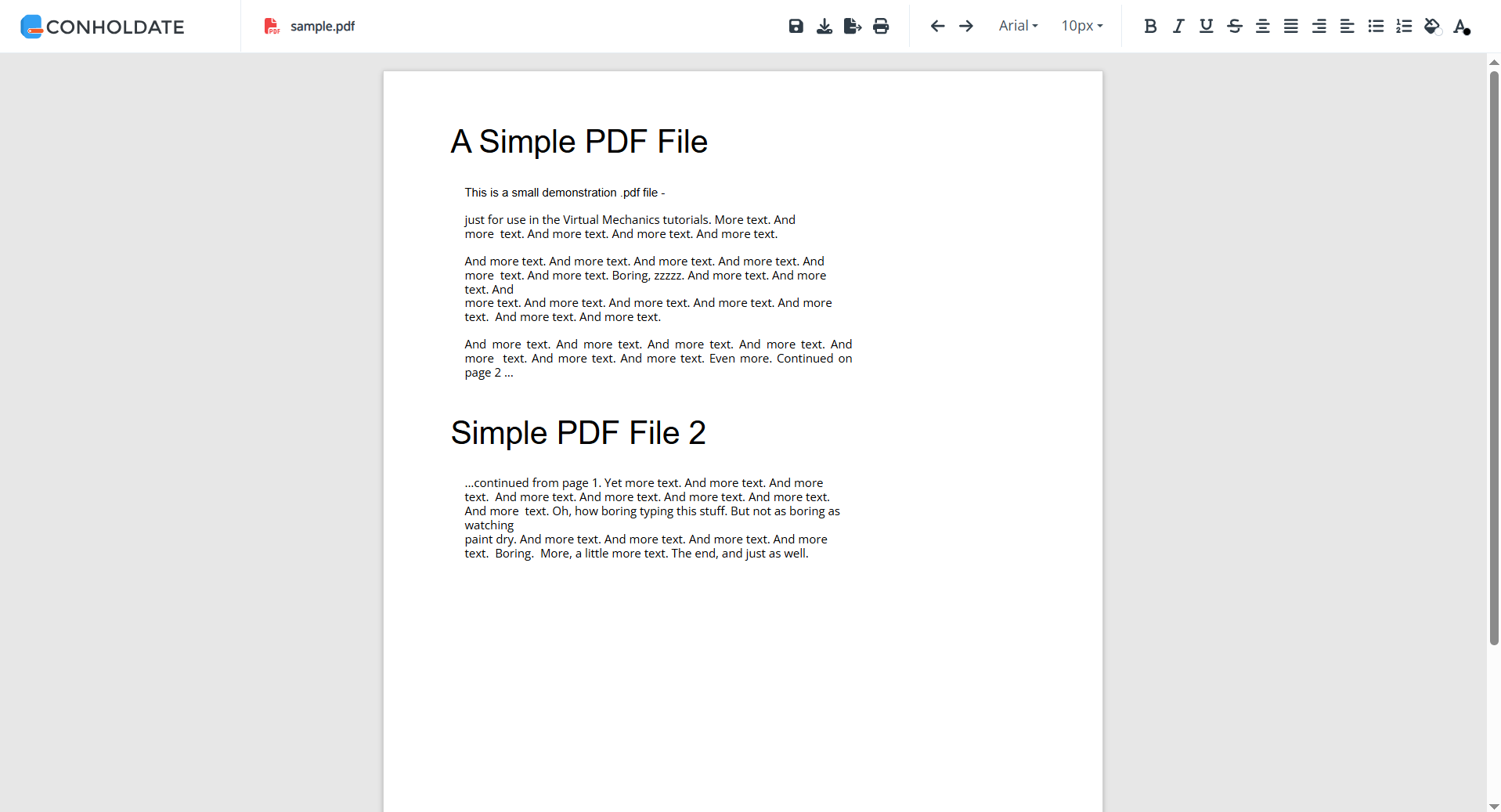
- Make edits in the PDF file content and click Save on the top toolbar of the Editor app.
- Wait while processing is completed, then review the saving results.
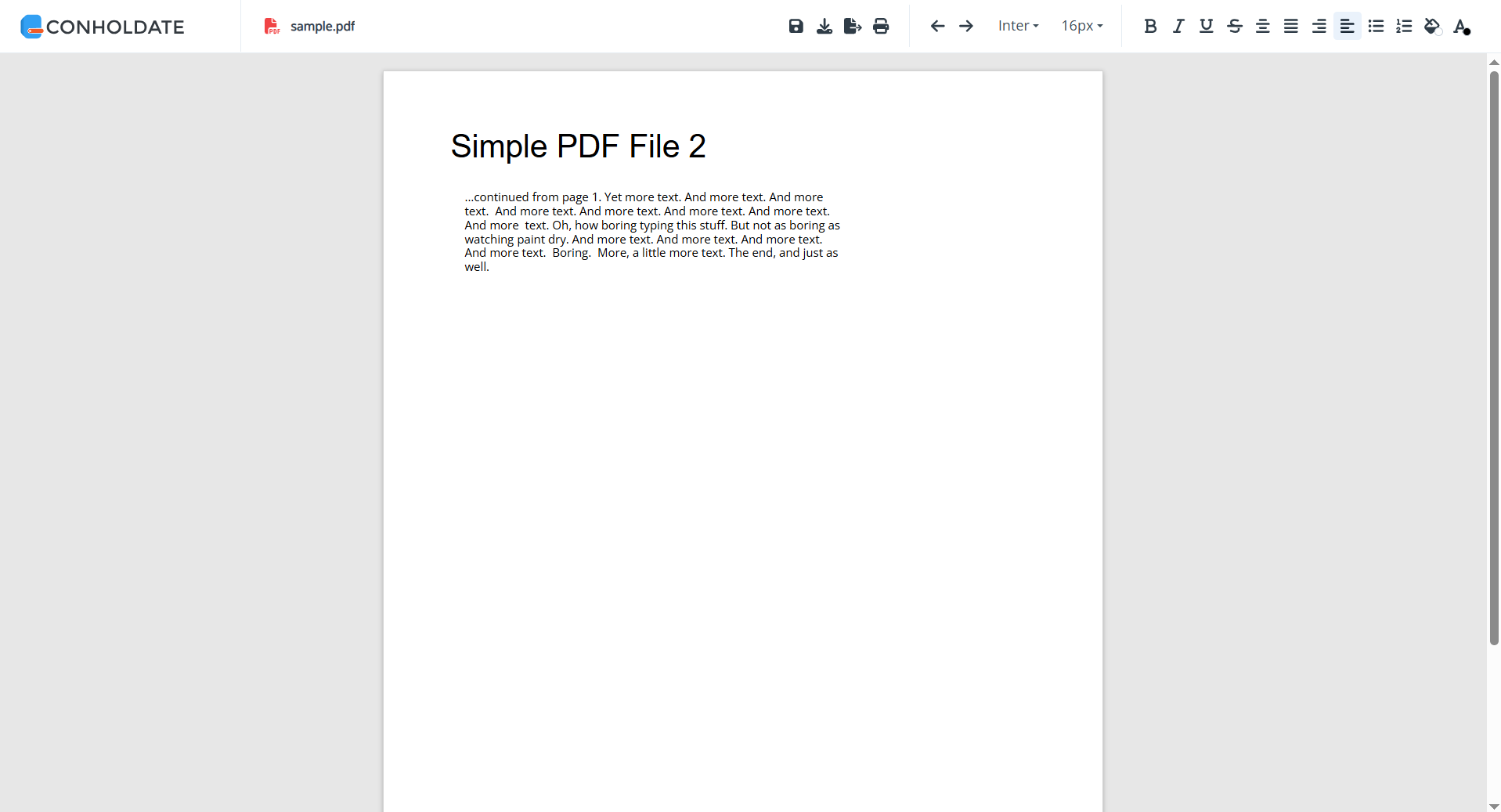
- Optionally download the resulting file, export it to HTML or DOCX, or show the print version.
This workflow makes it easy to update simple PDF content and immediately continue with the next step in your document process.
Important Note About Beta Quality
This PDF editing feature is currently in beta. That means it is best suited for simple PDF files and lighter editing tasks.
For more complex PDF documents, especially ones with dense formatting, advanced elements, or unusual structure, the final result may not always be perfect. The goal of the beta release is to provide a useful browser-based editing path while the feature continues to improve.
What You Can Do After Saving
After saving your edited PDF, Conholdate Editor gives you a few useful actions:
- Download the resulting file
- Export it to HTML
- Export it to DOCX
- Show print version
These options make it easier to move the edited content into the format that best fits your next step.
Why It’s Useful
- No desktop PDF editor required - edit files online.
- Fast browser workflow - upload, edit, save, and continue.
- Supports simple PDF editing - useful for quick changes.
- Multiple output options - download, export, or print.
- Beta feature with room to grow - practical for everyday simple PDF tasks.
Conholdate Editor makes it possible to work with PDF files directly in the browser and keep your editing workflow lightweight and flexible.
Join the Discussion
Have questions or feedback about PDF editing or the new Conholdate Editor beta? Join our public forum to share your experience, request improvements, or tell us how you use PDF files in your workflow.