MP3 files often contain important metadata such as title, artist, album, year, genre, and other ID3 tag properties. With Conholdate.Metadata, you can edit MP3 ID3 metadata tags online right from the guest landing page, making it easy to update audio file information without any desktop tools.
This feature is useful for music libraries, audio archives, media teams, publishers, and anyone who wants to keep MP3 metadata accurate and organized.
Why Edit MP3 ID3 Metadata Tags
Editing MP3 ID3 metadata is useful in many everyday workflows:
- Correcting song or track information.
- Updating artist, album, or title fields.
- Organizing audio libraries more consistently.
- Preparing files for publishing or distribution.
- Removing outdated or incorrect tag values.
- Keeping audio files easier to search and manage.
Instead of editing metadata in a separate audio tool, Conholdate.Metadata lets you do it online in a few simple steps.
How to Edit MP3 ID3 Metadata Tags in Conholdate.Metadata
Follow these steps to update MP3 metadata:
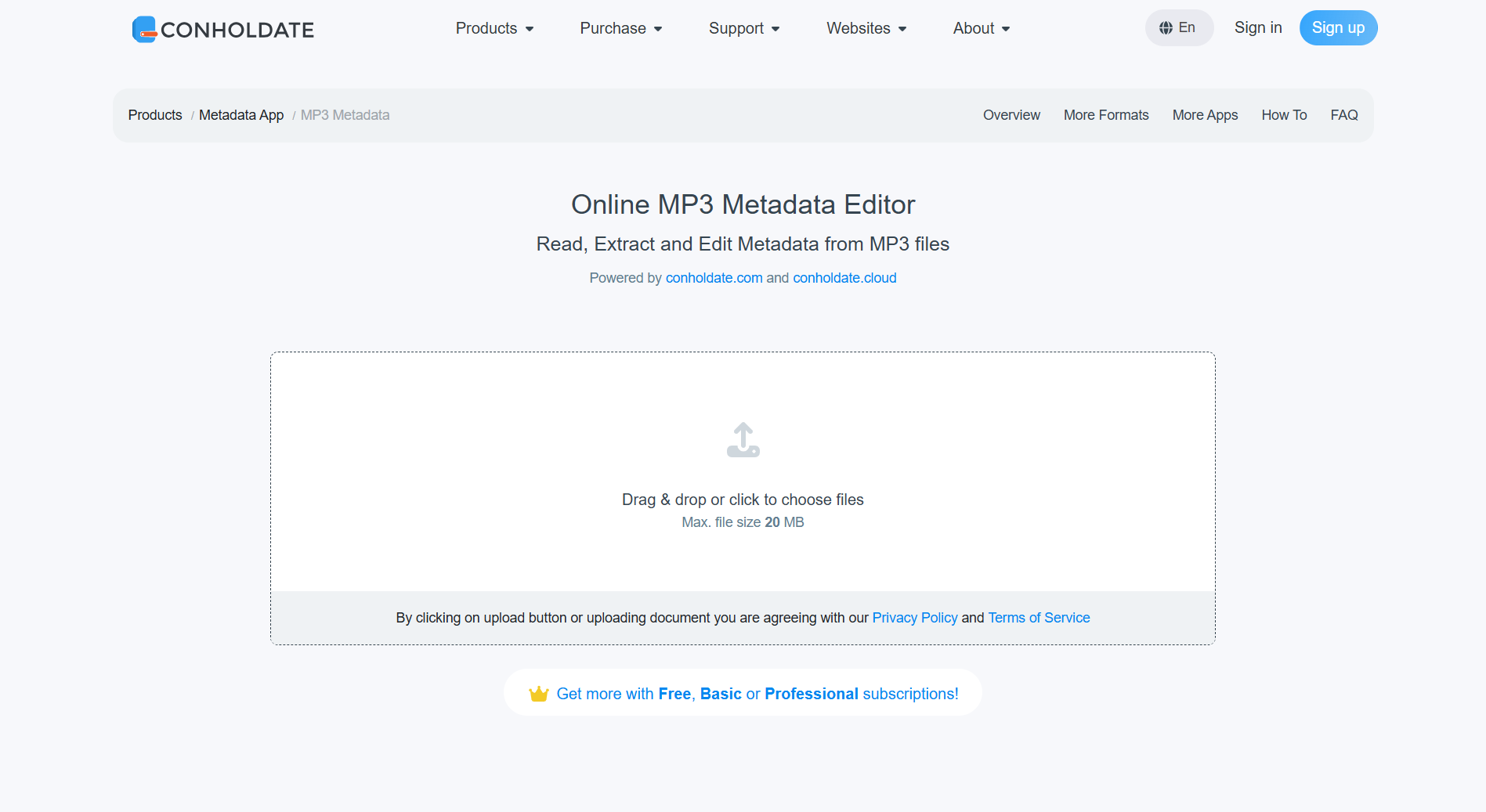
- Upload your MP3 file or use drag and drop to add it to the page.
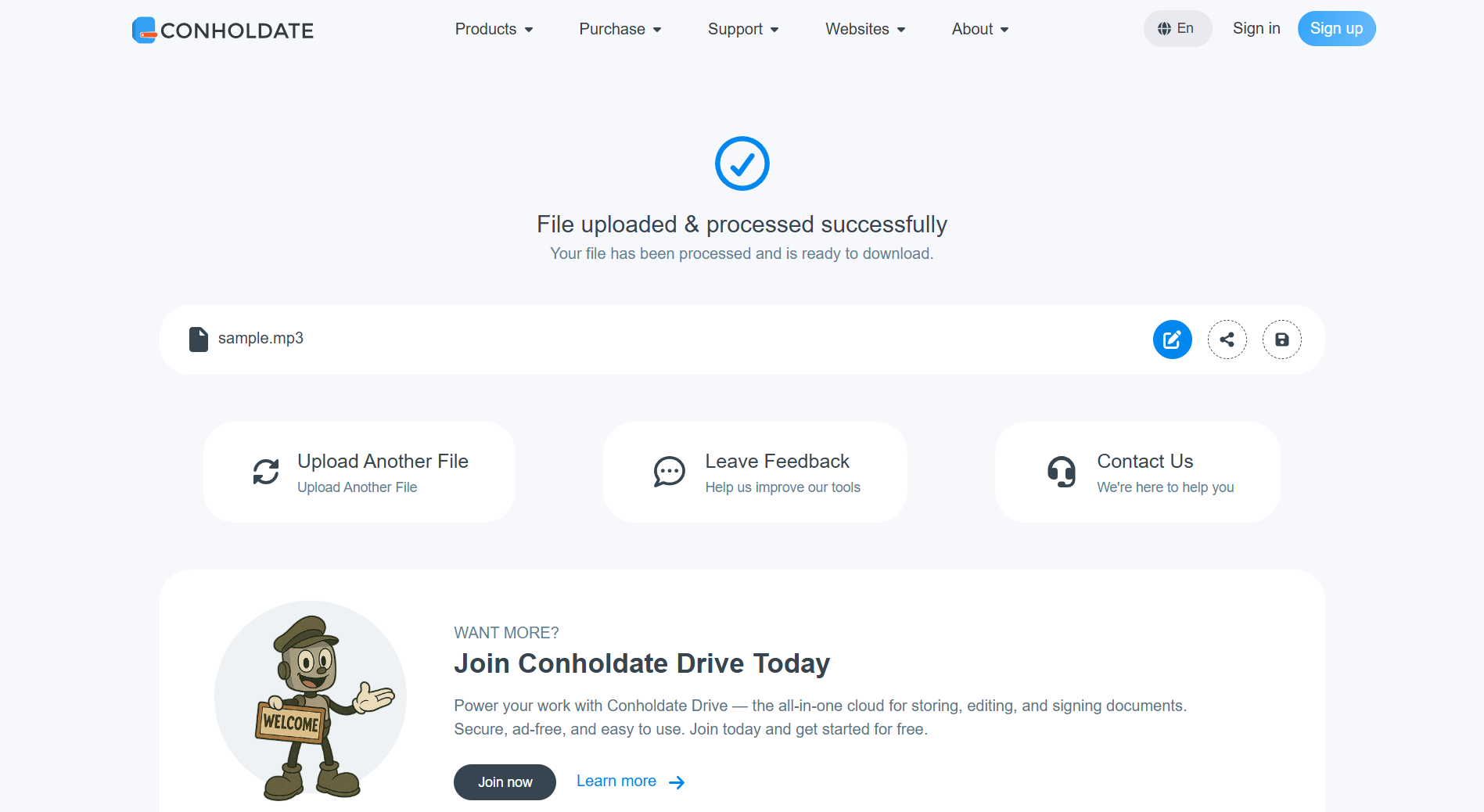
- Wait while the file is uploaded and processed.
- Open the Metadata app using the button on the right side of the file name.
- In the opened app, view the existing ID3V1 tag properties available for editing.
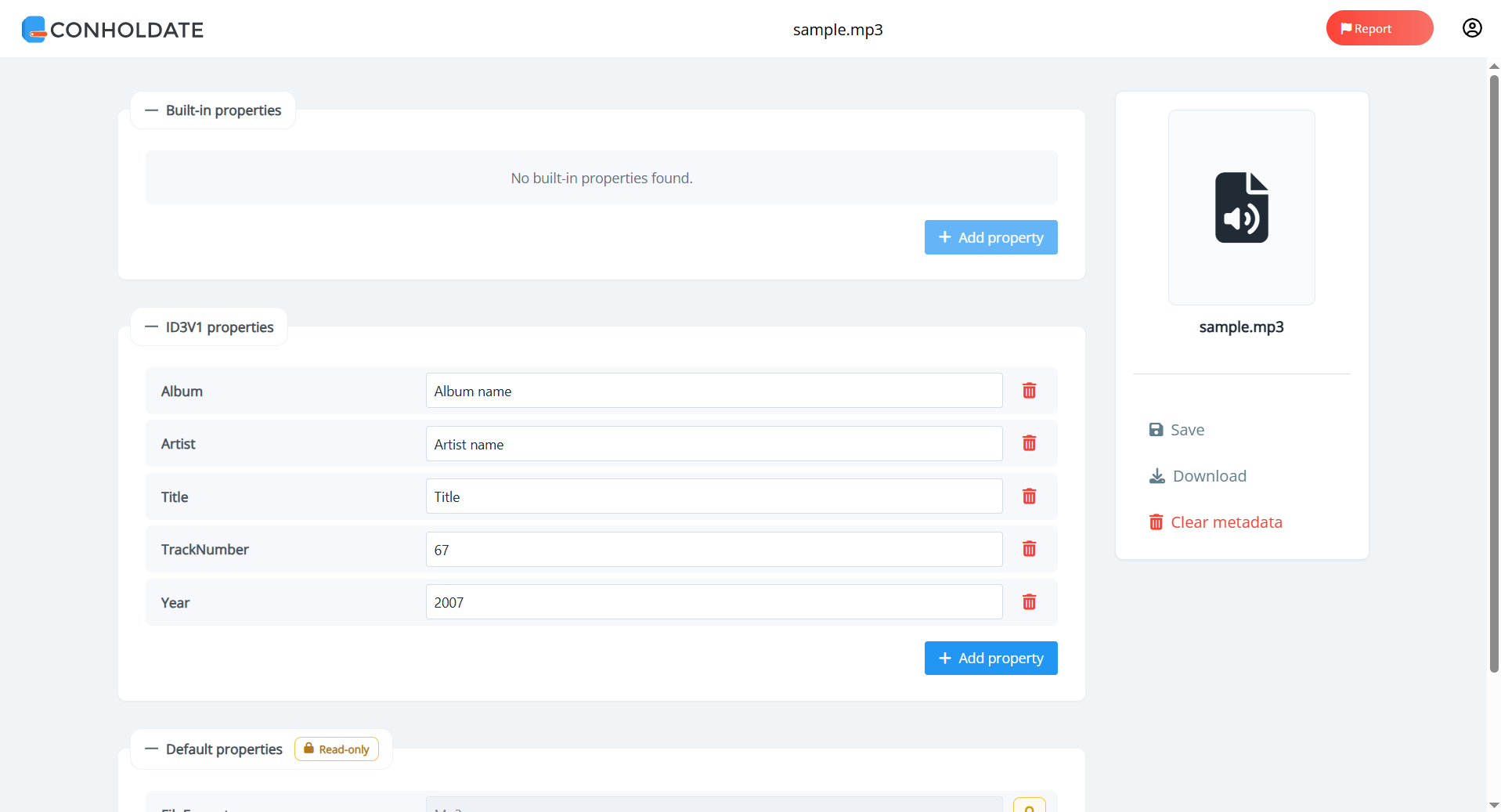
- Update the values you need and click Save.
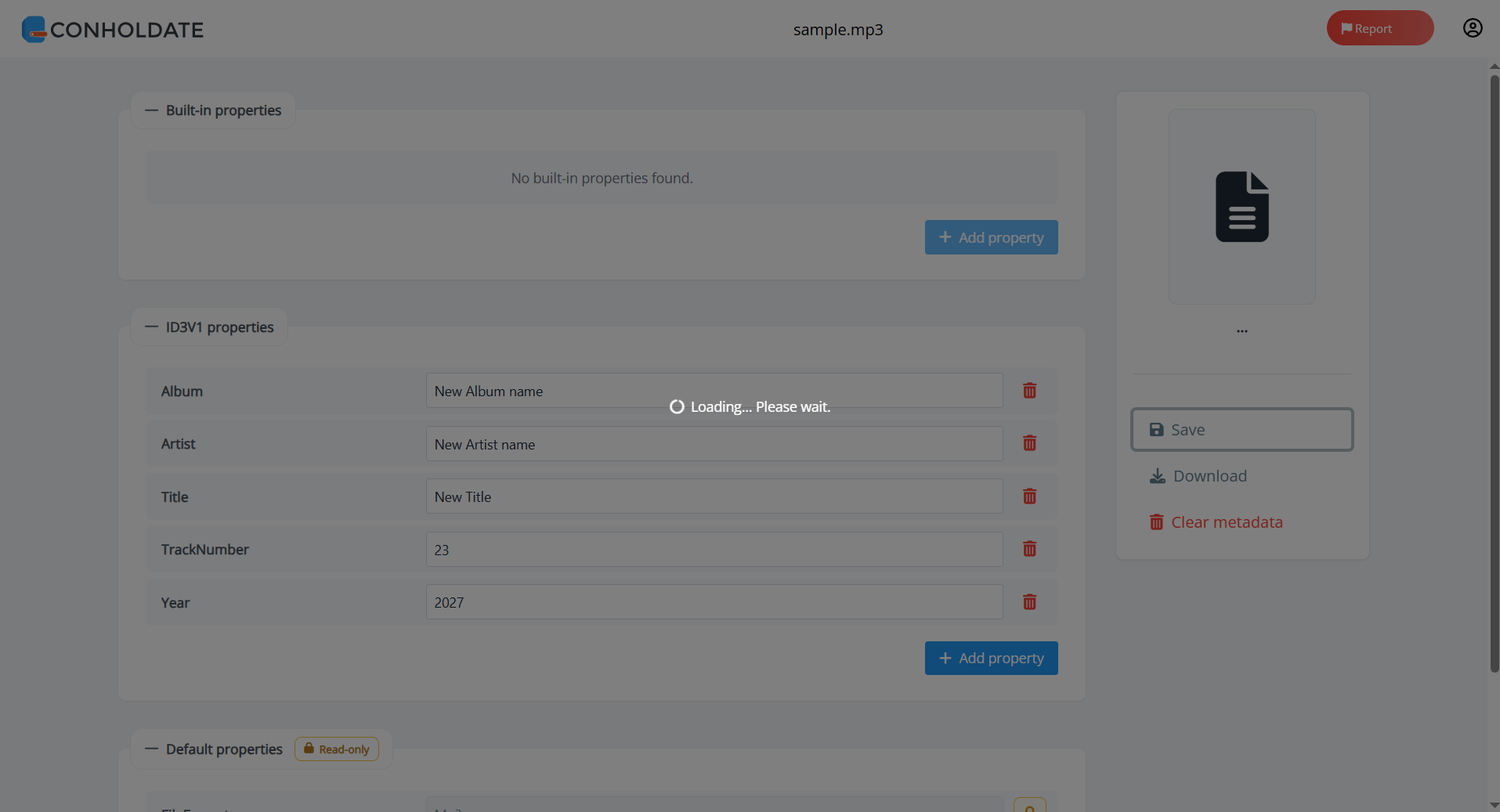
- After saving and reloading, you will see the updated values in the metadata properties.
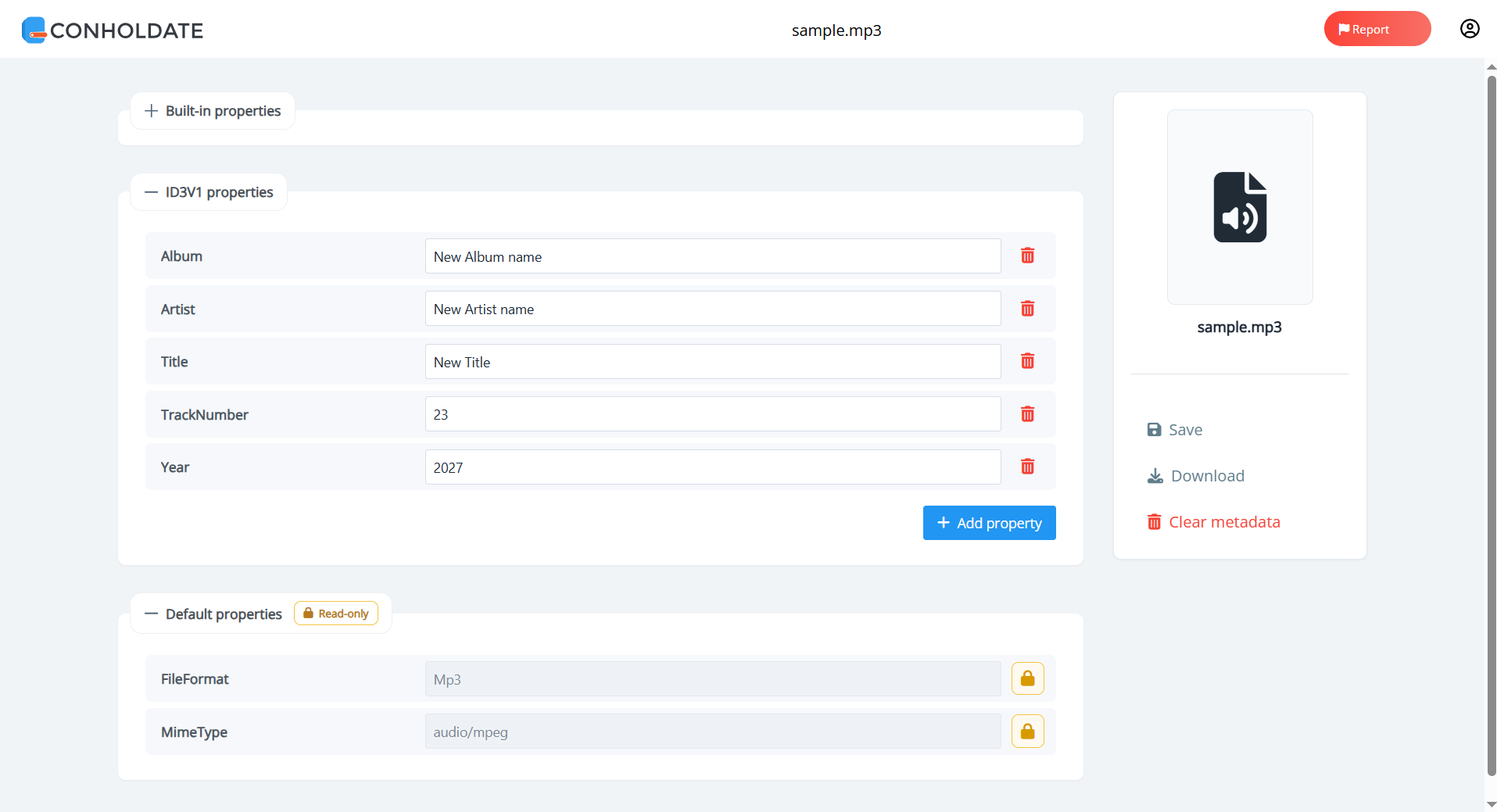
This makes it easy to review and edit MP3 metadata directly in the browser.
What You Can Edit
The Metadata app shows the available ID3V1 properties for the MP3 file, which may include common fields such as:
- Title
- Artist
- Album
- Year
- TrackNumber
- Comment
You can edit the values that are already present and then save the updated file version.
Download or Clear Metadata
After editing, Conholdate.Metadata gives you additional options:
- Download the updated MP3 file with the new metadata values.
- Clear metadata to remove the currently existing metadata properties from the file.
These actions are helpful when you need either a finished, updated file or a clean version with metadata removed.
Why It’s Useful
- No desktop app required - edit metadata directly online.
- Fast and simple - upload, edit, save, and download in one flow.
- Guest access - available from the guest landing page.
- Metadata control - update ID3V1 values or clear them when needed.
- Practical for audio workflows - useful for libraries, publishing, and content management.
Conholdate.Metadata makes MP3 tag editing easier by bringing the entire workflow into the browser.
Join the Discussion
Have questions or feedback about MP3 metadata editing or the ID3V1 tag workflow? Join our public forum to share your experience, request new metadata features, or tell us how you manage audio files in your workflow.