Markdown files are widely used for documentation, notes, readme files, changelogs, and lightweight content editing. With Conholdate Editor, you can now edit Markdown files online directly in your browser. This gives you a quick and simple way to update textual content in MD files without opening a desktop editor.
Although this feature is intentionally lightweight, it can still be very useful for quick content changes, documentation updates, and simple file maintenance.
Why Edit Markdown Files Online
Editing Markdown files online is useful in many everyday situations:
- Updating a
README.mdfile. - Fixing documentation text.
- Editing notes or simple content files.
- Making quick corrections without installing an editor.
- Working from a browser when a local app is not available.
- Updating content and immediately downloading the revised file.
For small edits, the browser-based workflow is often the fastest option.
How to Edit MD Files in Conholdate Editor
Follow these simple steps to edit your Markdown file:
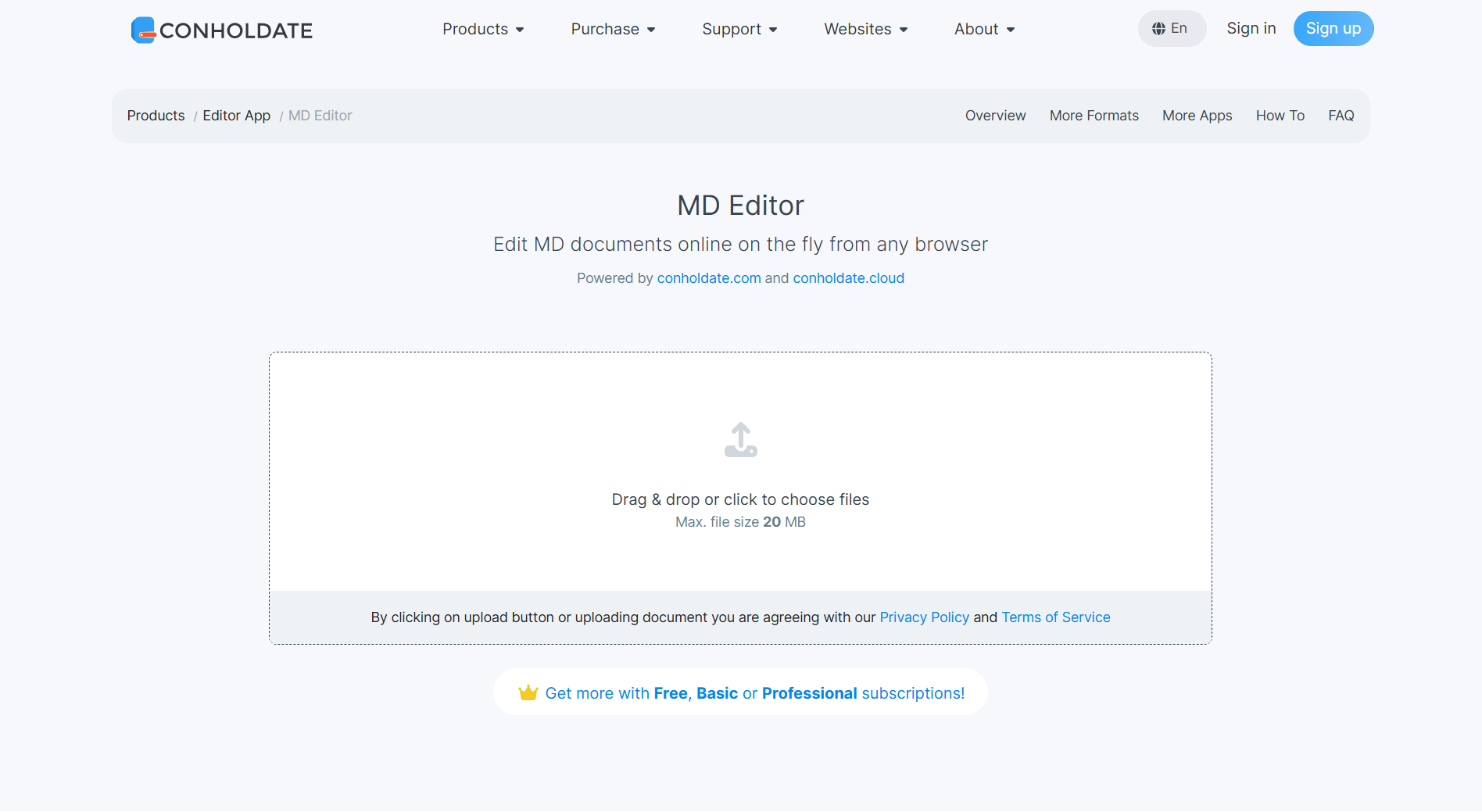
- Upload the MD file on https://products.conholdate.app/editor/md.
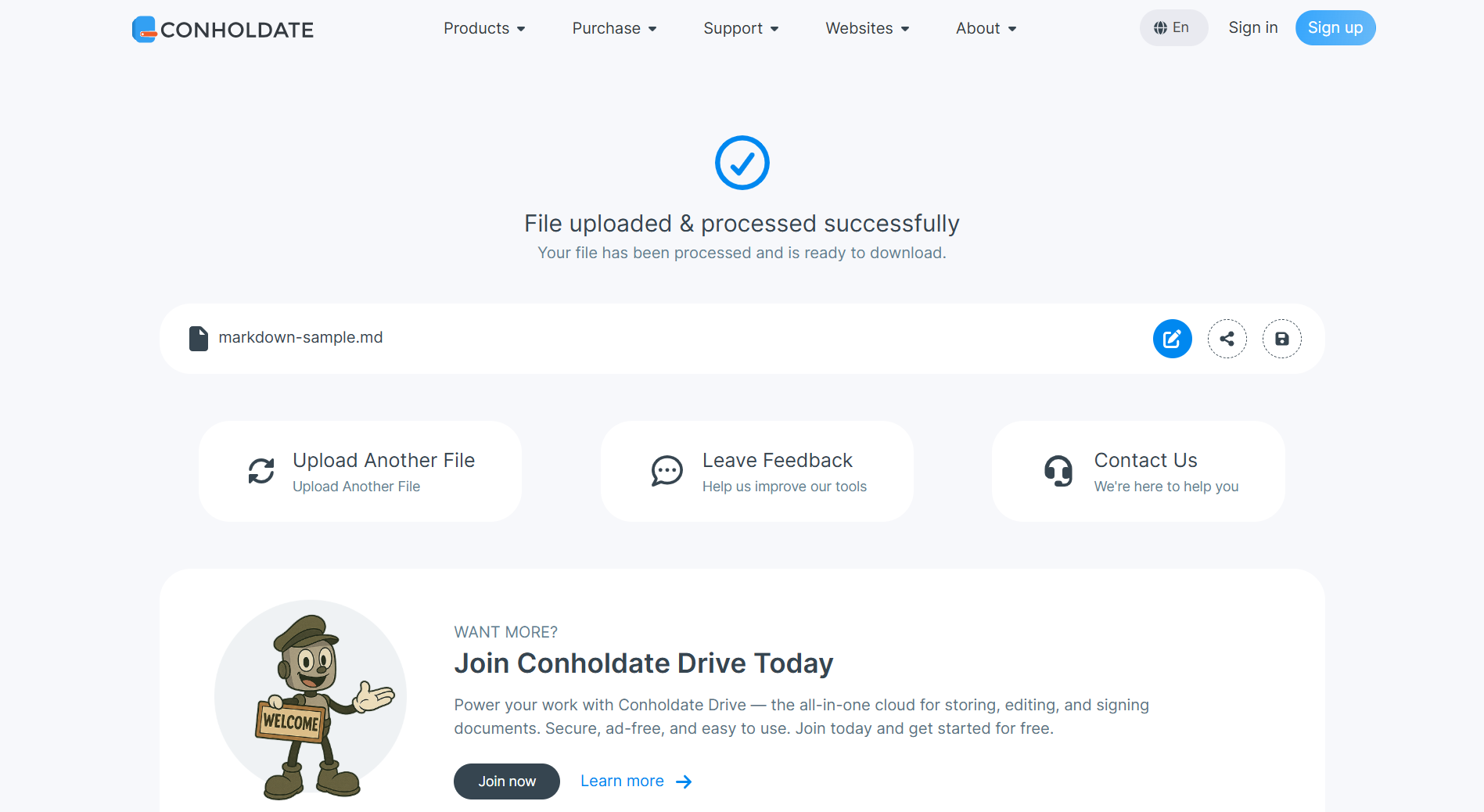
- After upload, the resulting page appears with a round blue button for opening the online Editor app.
- Open the Editor app to view the content of the MD file.
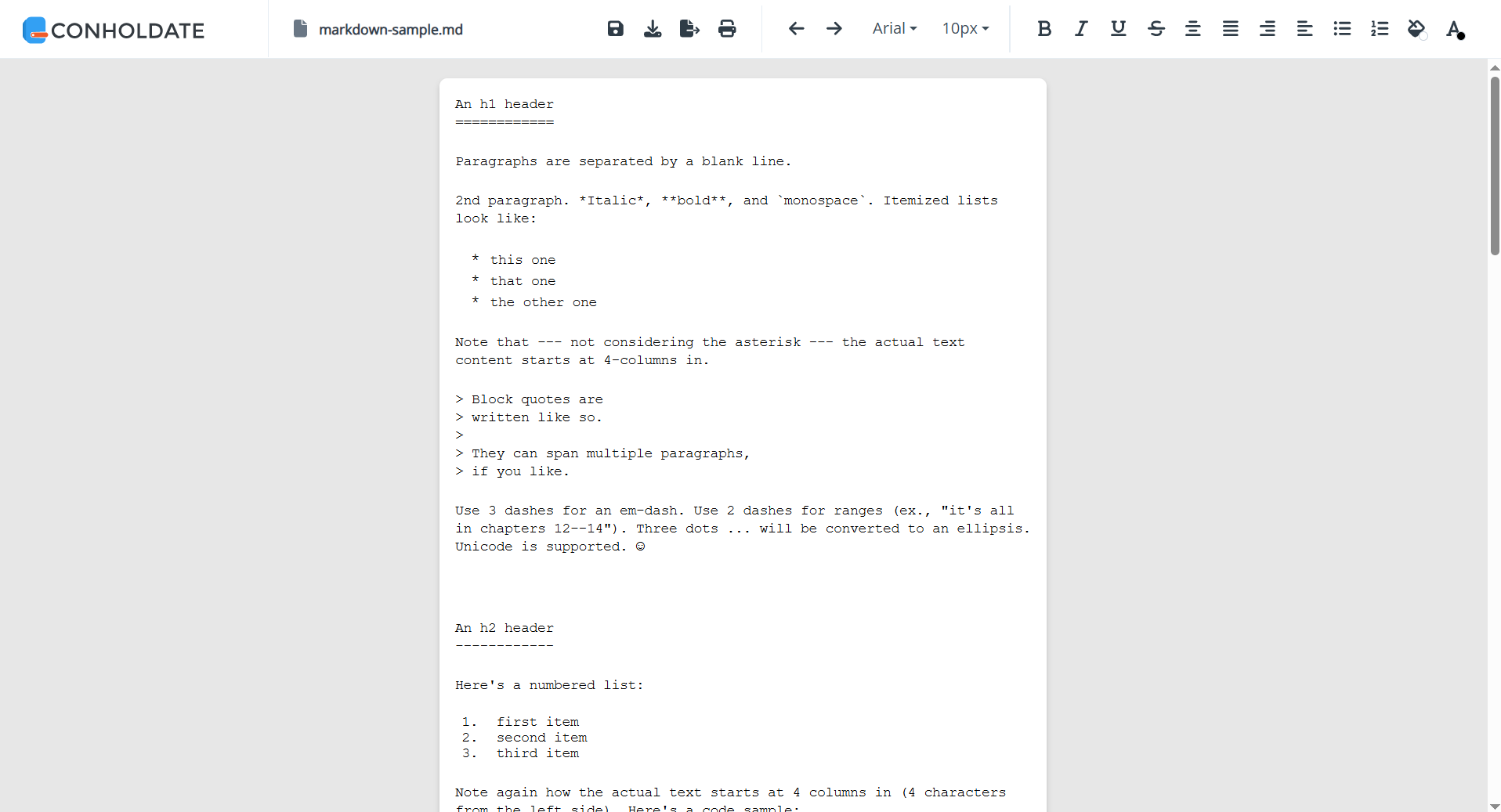
- Edit the textual content as needed and click the Save button.
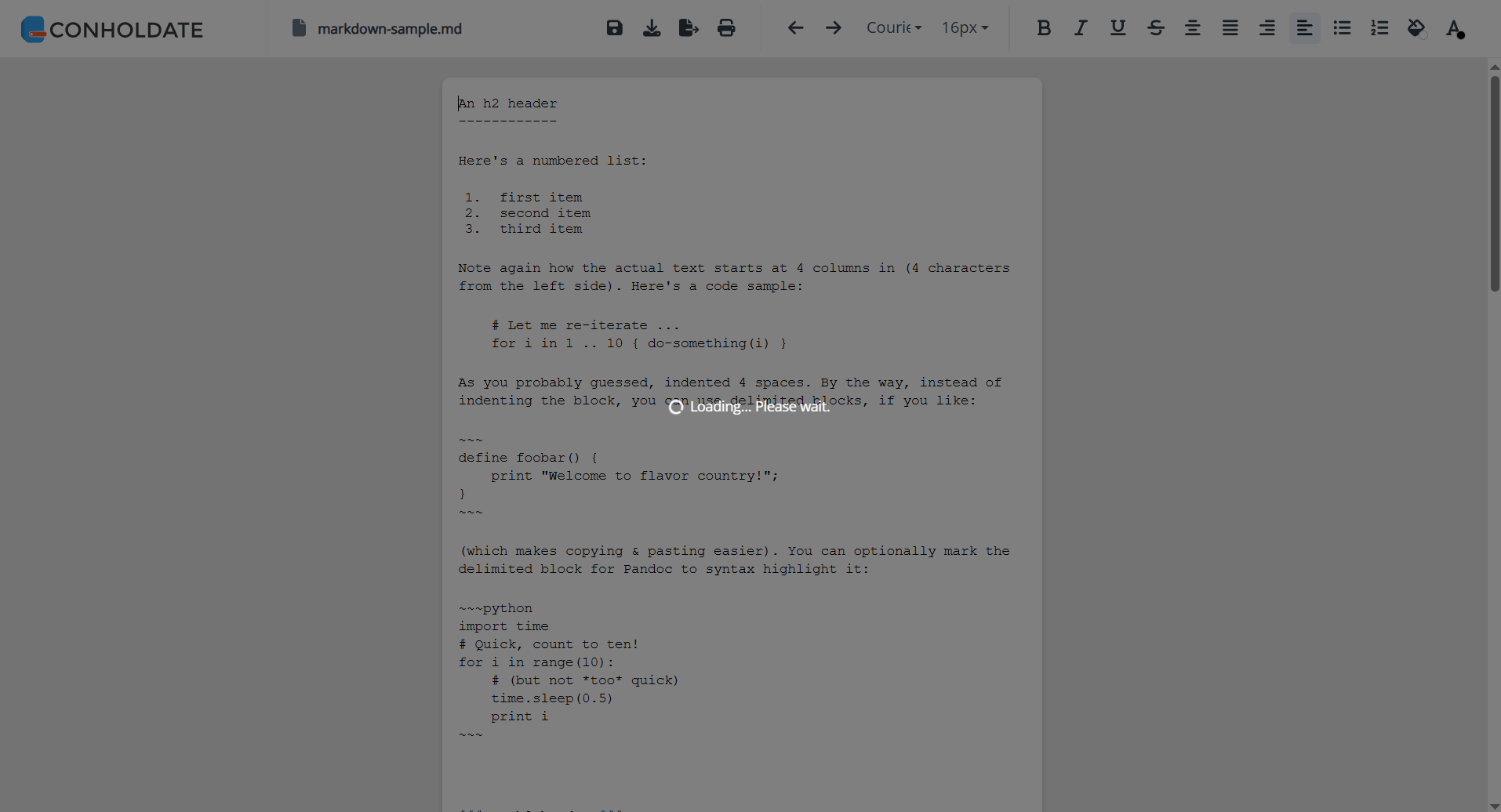
- The changes will be written back to the file.
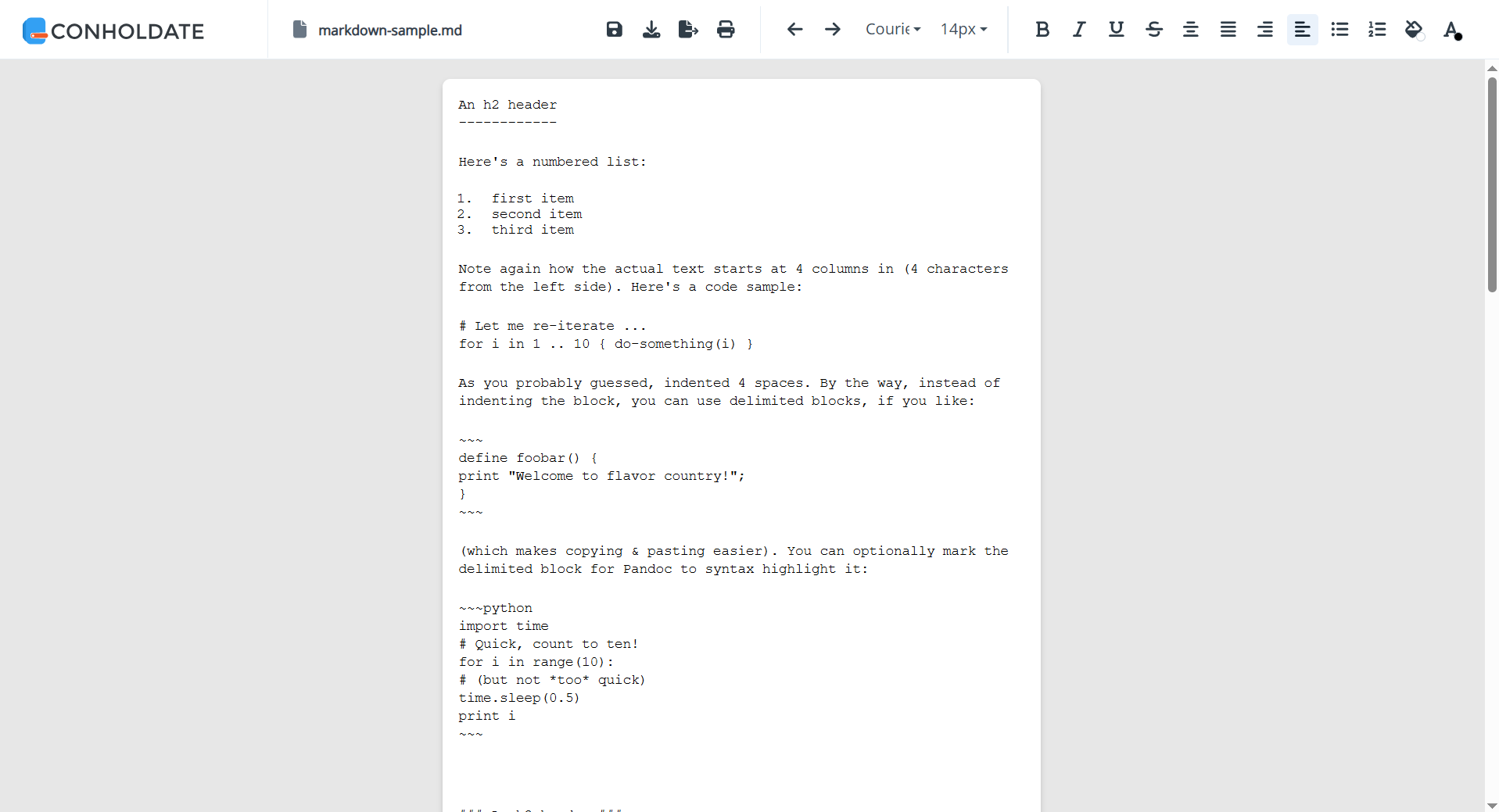
- You can also click the Download button to download the edited MD file.
This makes it easy to update Markdown content directly in the browser and keep the result ready for reuse.
What You Can Edit
The Editor app works with the textual content of the Markdown file, so it is a good fit for:
- Headings
- Paragraphs
- Lists
- Links
- Simple formatting text
- Documentation snippets
- Notes and lightweight content blocks
Since Markdown is plain text, the editing workflow stays straightforward and easy to use.
Why It’s Useful
- No desktop editor required - edit Markdown files online.
- Simple workflow - upload, open, edit, save, and download.
- Good for quick updates - ideal for small content changes.
- Useful for documentation - especially
README.mdand other text-based files. - Browser-based convenience - works directly from the guest landing page.
Conholdate Editor makes Markdown editing easier by putting a simple online file editor right where you need it.
Join the Discussion
Have questions or feedback about Markdown editing or the new Conholdate Editor feature? Join our public forum to share your experience, request more text file support, or tell us how you use Markdown files in your workflow.