Images often contain valuable information, whether it’s a scanned document, a screenshot, a receipt, or a photograph. Traditionally, extracting this information required separate OCR software or manual transcription.
With Conholdate’s online Image to TXT converter, you can quickly transform raster images into plain text files. If the image contains readable text, the converter extracts it. If the image is a photograph, artwork, or illustration, AI generates a meaningful description of its contents and saves it into a TXT file.
No software installation is required - everything works directly in your browser.
What Happens During Conversion?
The converter automatically analyzes the uploaded image and determines its content type:
- Document scans, screenshots, receipts, invoices, forms, and pages with text -> the text is extracted and saved to a TXT file.
- Photos, illustrations, artwork, landscapes, objects, and scenes -> an AI-generated description is created and saved to a TXT file.
For example:
Input: A scanned contract page Output: A TXT file containing the extracted contract text.
Input: A landscape photograph Output: A TXT file containing a description such as:
“A mountain landscape overlooking a lake with trees in the foreground and a cloudy sky.”
When Is This Useful?
Converting images to TXT can help in many situations:
- Extract text from scanned documents and forms.
- Convert screenshots into searchable text.
- Generate descriptions for image archives.
- Improve accessibility for visually rich content.
- Create searchable records from image collections.
- Analyze image content without specialized software.
How to Convert an Image to TXT
Follow these simple steps:
Navigate to the online converter at:
Upload your raster image file, such as:
- JPG
- JPEG
- PNG
- GIF
- WEBP
- BMP
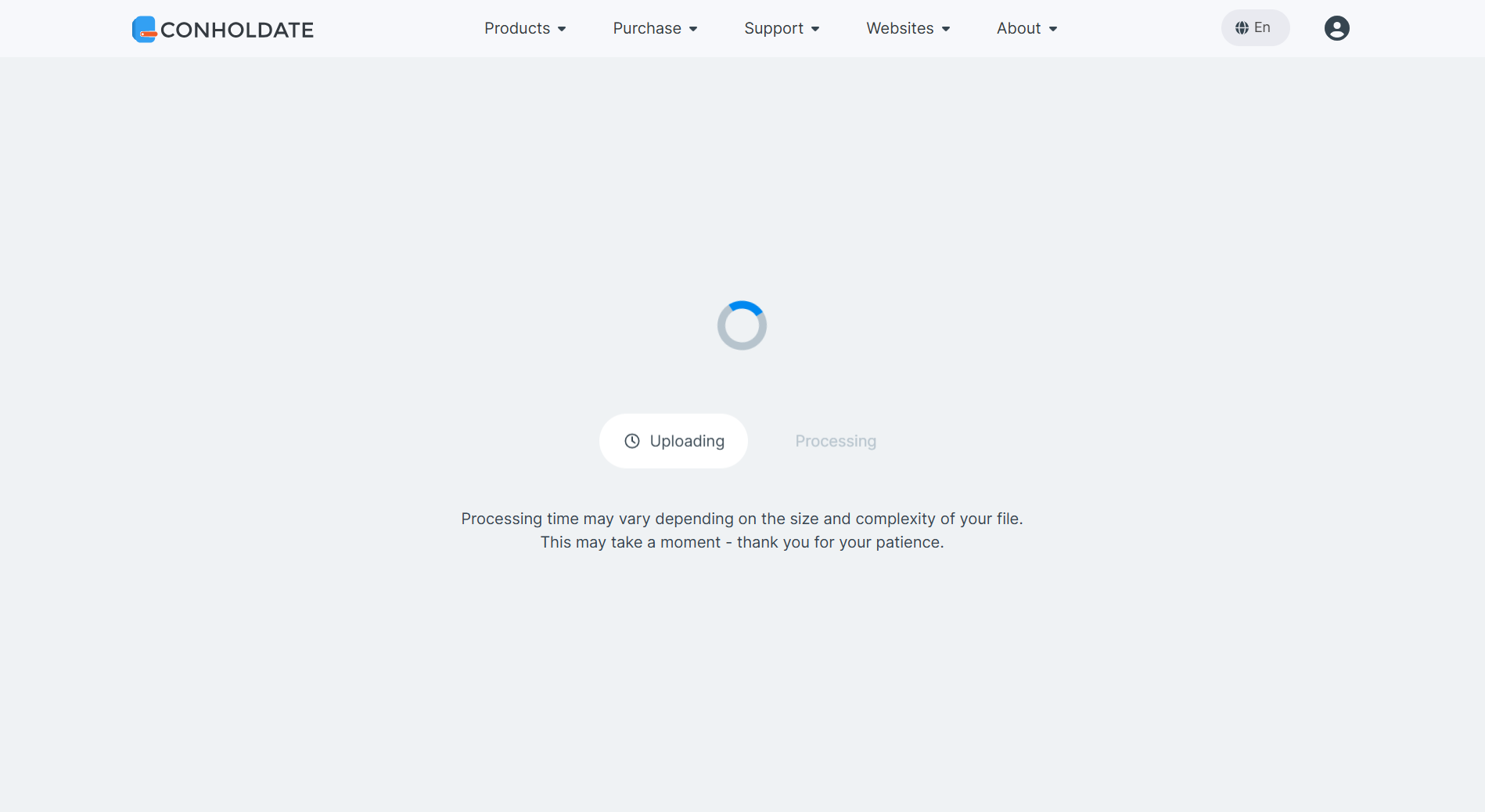
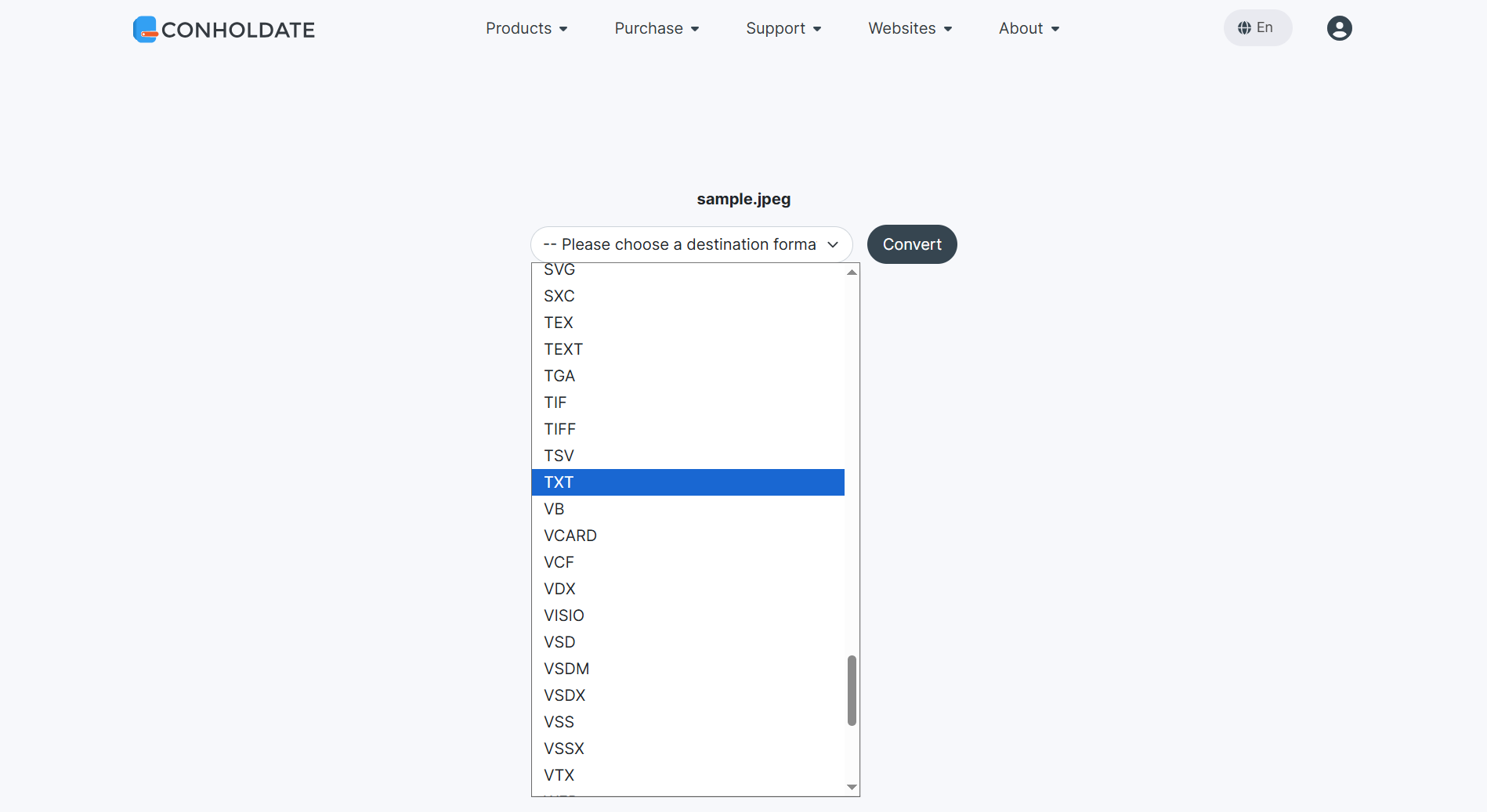
- Select TXT as the target output format.
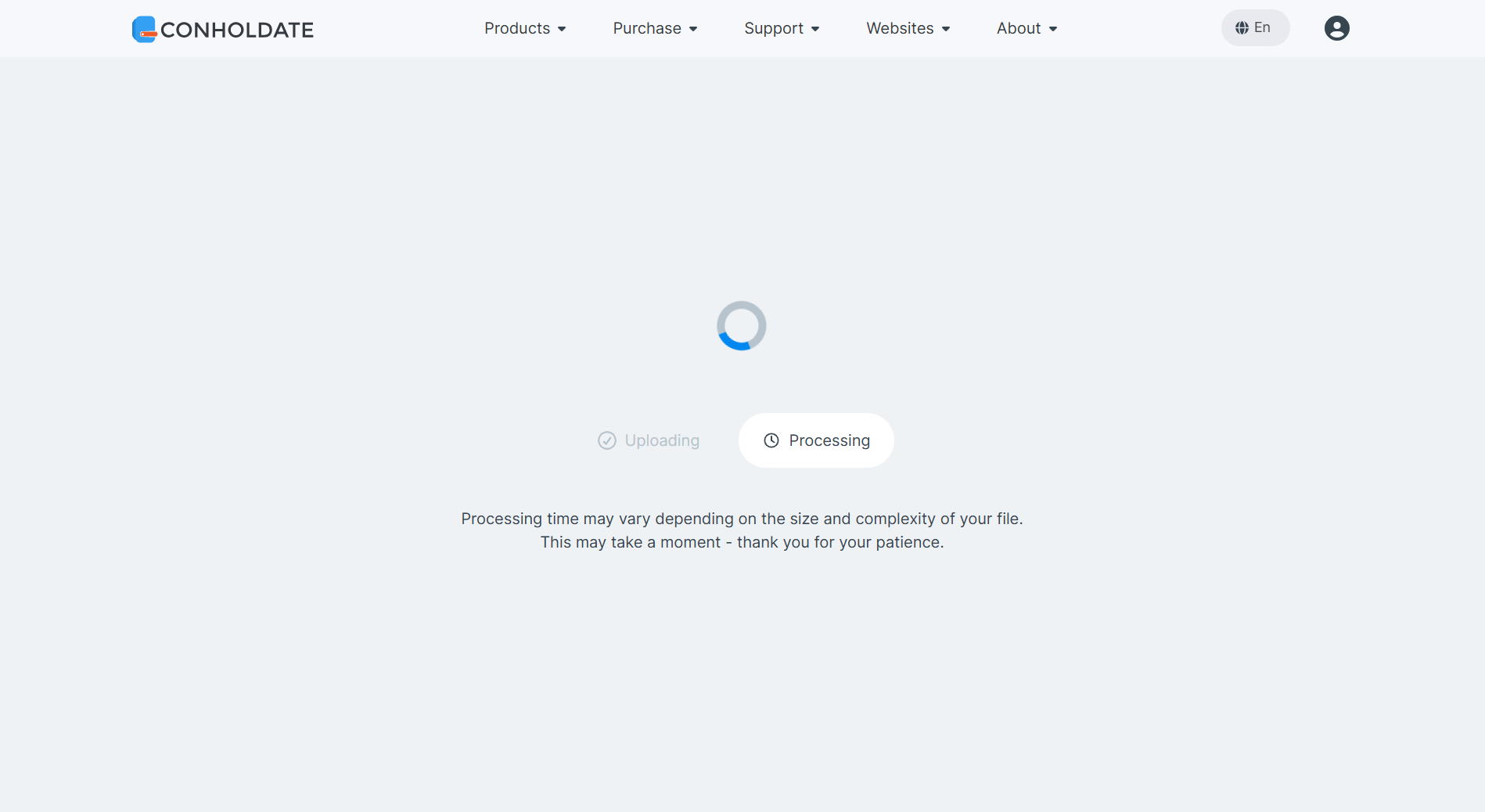
- Click Convert and wait for processing to complete.
- Download the resulting TXT file.
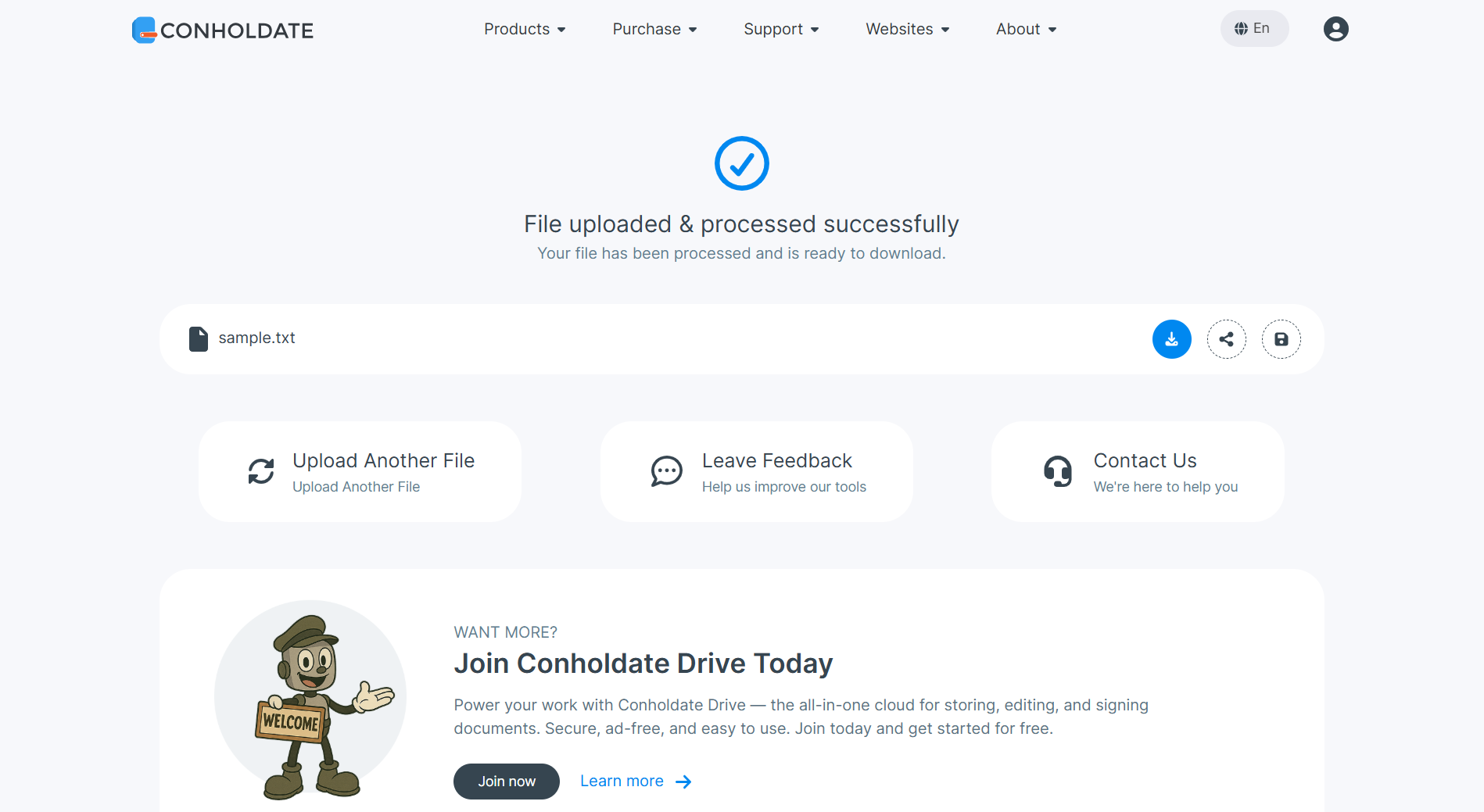
The downloaded TXT file will contain:
- The extracted text if the image was a document scan or screenshot.
- An AI-generated image description if the image was a photograph, illustration, artwork, or other visual content.
Supported Image Formats
The Image to TXT converter supports common raster image formats, including:
.JPG.JPEG.PNG.GIF.WEBP.BMP.TIFF
and other popular image formats.
Why Use Image-to-TXT Conversion?
- Extract information instantly from images.
- No OCR software installation required.
- AI-powered image understanding for non-text images.
- Create searchable content from screenshots and scans.
- Free and browser-based.
- Fast and easy to use.
Whether you’re working with scanned documents, receipts, screenshots, or photographs, Conholdate’s Image-to-TXT converter helps turn visual information into useful text in just a few clicks.
Join the Discussion
Have questions, ideas, or feedback about image-to-text conversion?
Join our public forum at https://forum.conholdate.app/c/discussions/5 and share your experience with other users. We’d love to hear how you’re using Conholdate products in your daily workflows.