Large files can be difficult to store, share, or send by email. In many cases, the best solution is not to zip files into an archive, but to optimize the file itself and reduce its internal size.
With Conholdate Compression, you can compress files online by reducing the size of the file sources directly. The app supports major Office formats, PDF, and the most useful image formats, making it a practical tool for everyday document and media workflows.
This feature is useful for teams that need smaller files for sharing, storage, publishing, or faster delivery.
What File Types Are Supported
Conholdate Compression supports a wide range of popular formats, including:
- Office documents
- DOCX
- XLSX
- PPTX
- Legacy Office formats (DOC, XLS, PPT)
- Image formats
- BMP
- PNG
- JPG
- TIFF
- GIF
- WEBP
Instead of packaging files into archives, the app optimizes the internal structure of the file to help reduce its size.
Compression Levels
After uploading a file, you can choose one of three compression rates:
- Low
- High quality, less compression
- Medium
- Good compression, good quality
- High
- High compression, less quality
This gives you flexibility depending on whether your priority is visual fidelity, smaller size, or a balance between both.
How to Compress Files in Conholdate Compression
Follow these simple steps to compress your file:
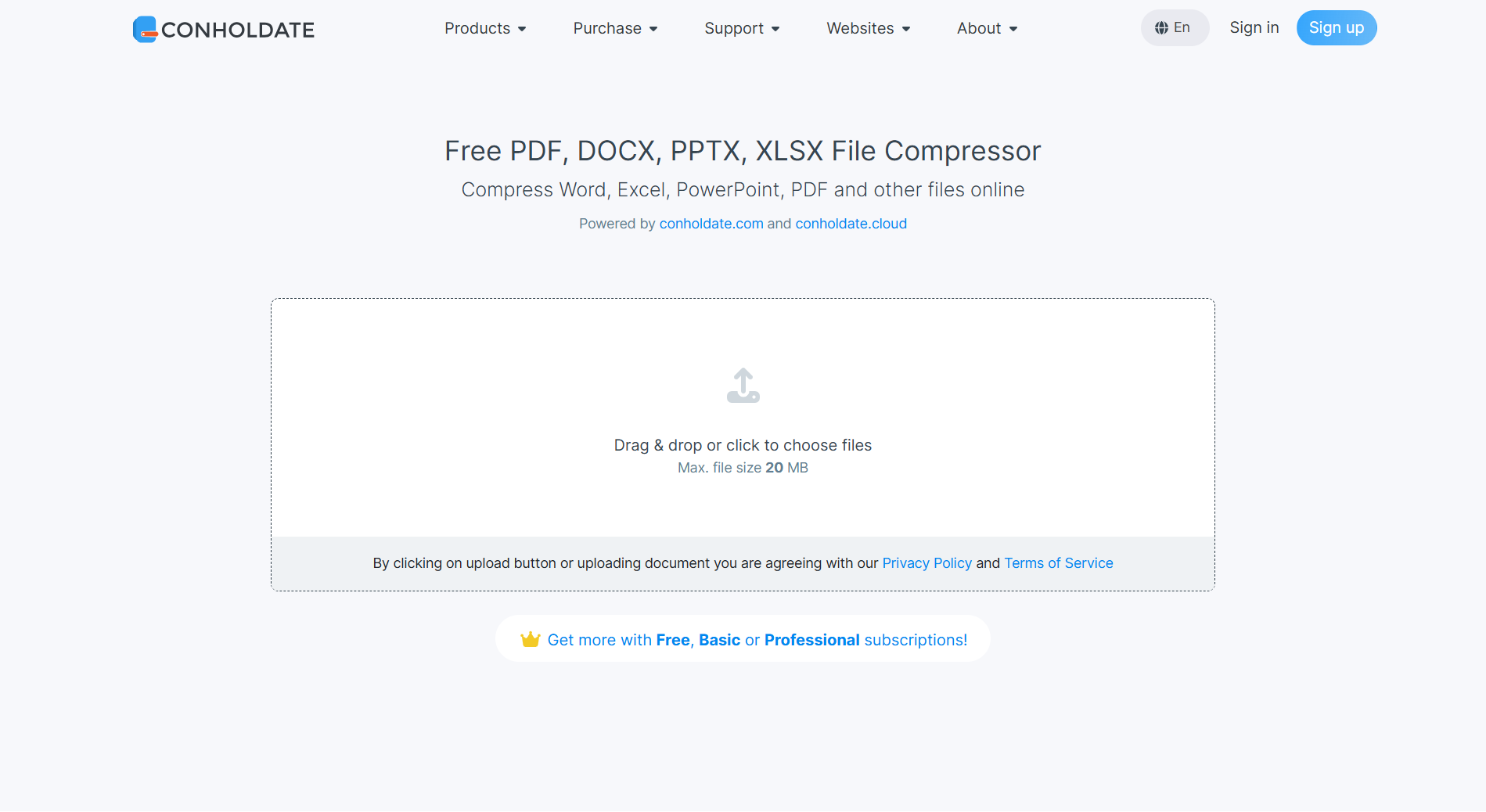
- Upload the file on https://products.conholdate.app/compression.
- After upload, choose one of the three compression options:
- Low
- Medium
- High
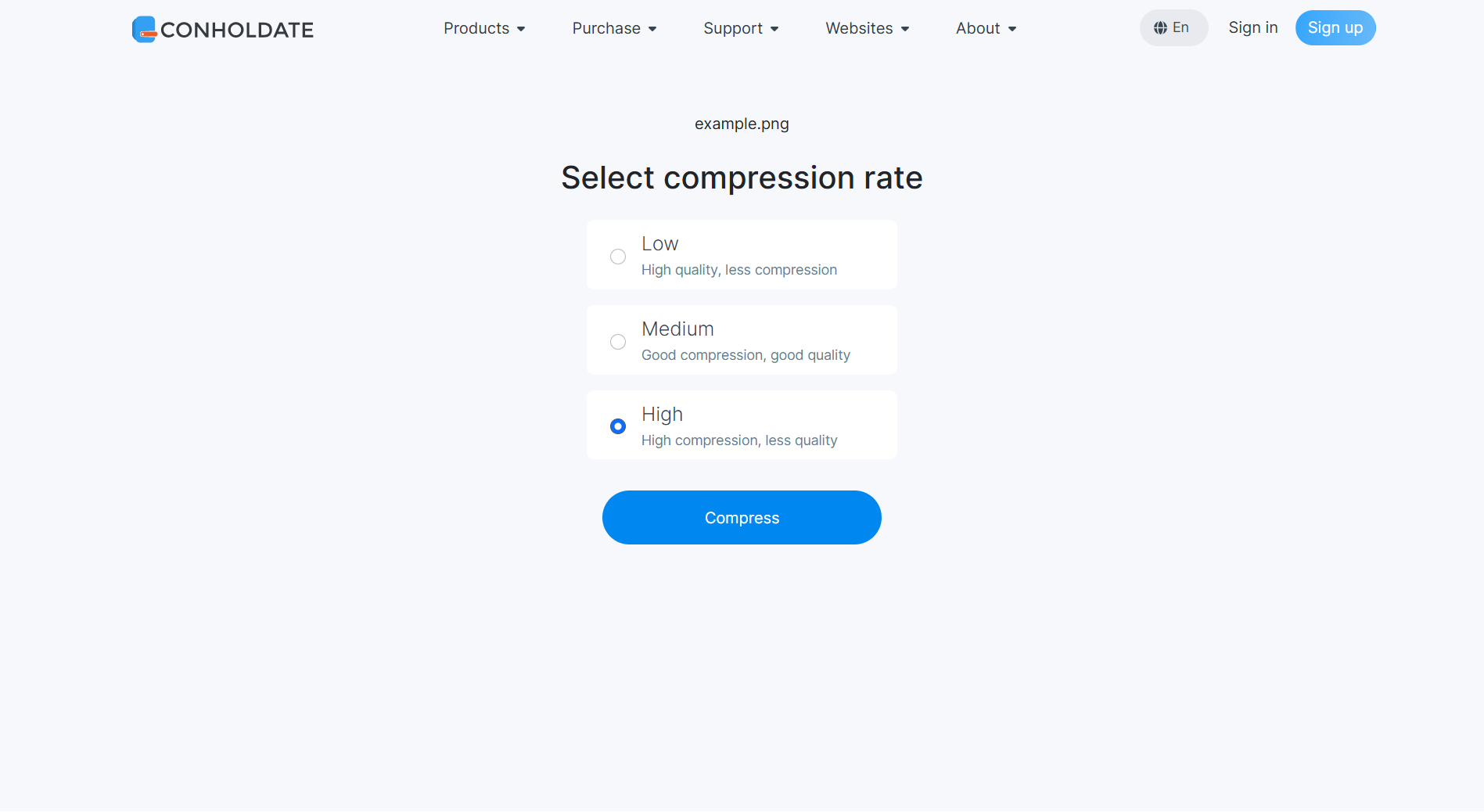
- Click the Compress button.
- Wait while the file is processed.
- After processing is complete, you will see the result page with the usual actions:
- Download the compressed file
- Share the file
- Save the document to the Conholdate.Drive app
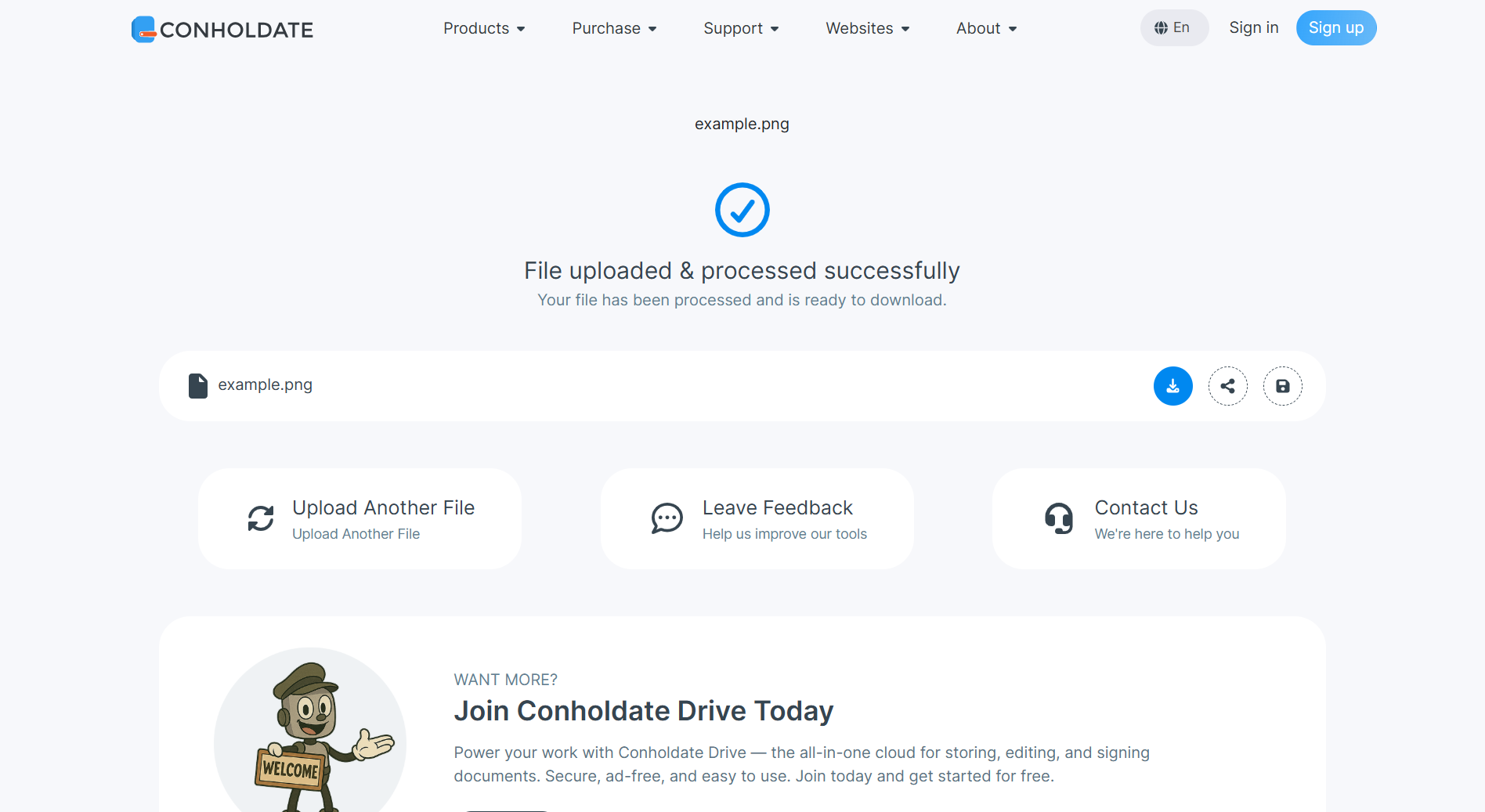
On the same page, you can also continue by uploading another file, leave feedback through a simple form dialog, or go to the support forum.
Why It’s Useful
- Reduces file size without creating archives
- Supports major Office formats, PDF, and popular image formats
- Three compression levels for different quality and size needs
- Browser-based workflow
- Download, share, or save to Conholdate.Drive
- Easy to continue with another file or send feedback
Conholdate Compression makes it easier to prepare documents and images for sharing, storage, and delivery by optimizing the file content directly.
Join the Discussion
Have questions or feedback about file compression or the new Conholdate Compression app? Join our public forum to share your experience, request more format support, or tell us how you use compression in your workflow.